Controller Overview
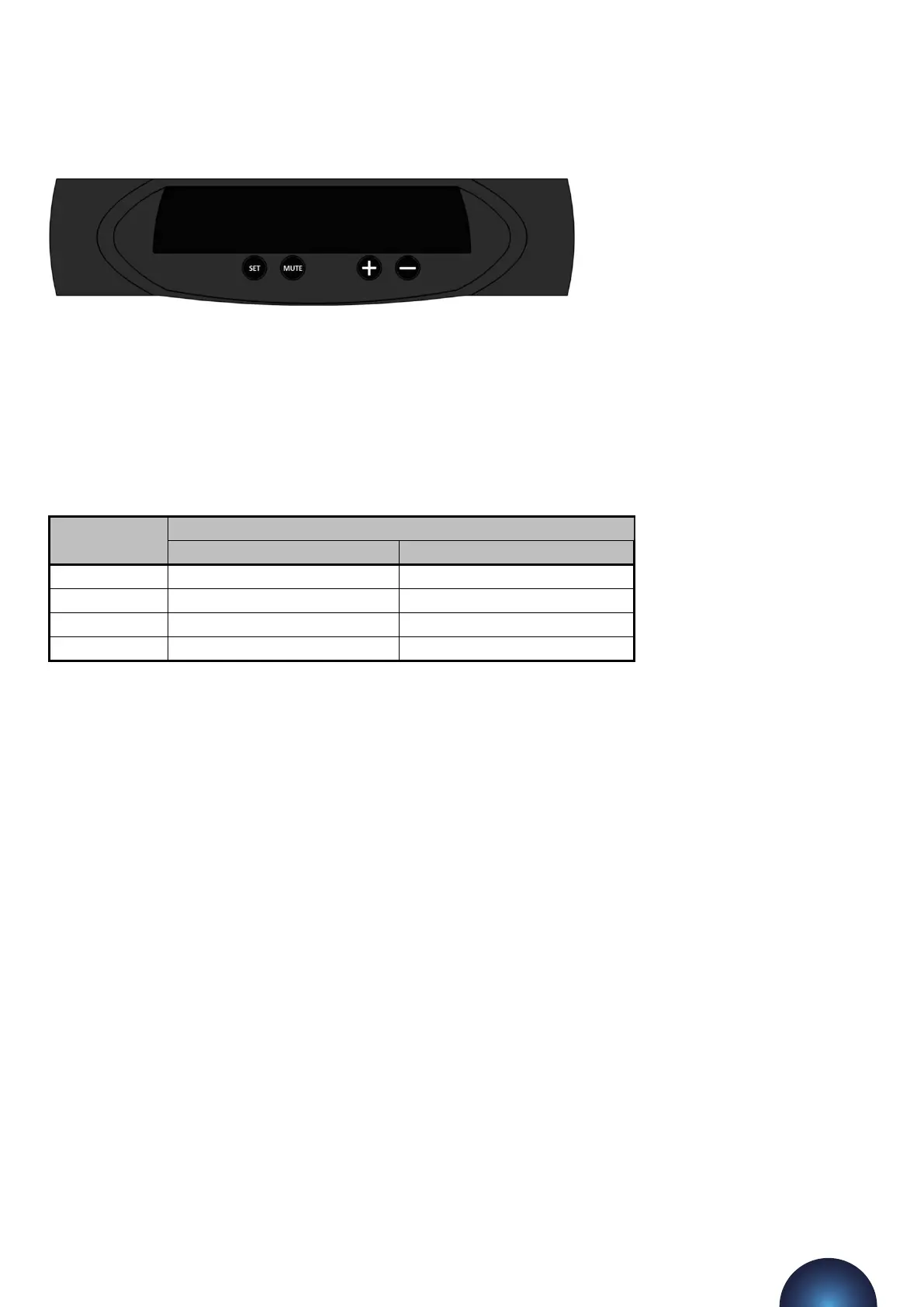
The following image shows the front of the pressurisation unit digital controller. 4 buons are provided for
programming, and an LED display which shows scrolling messages.
When the controller is first powered up, it will display the controller version number. This manual relates to
controller version >8.0. If the controller is of a dierent version, there may be dierences in the menu items
available.
When in normal operation, the controller will display the current system pressure. If a fault occurs, the
controller will display a fault code and produce an audible alarm.
In normal operation, the functions of the buons are as follows:
Buon
Function
Press Hold
SET - Show Current System Pressure
MUTE Mute Audible Alarm Reset Unit
+ - Enter Programming Menu
- - Enter Programming Menu
flowpress WMDA Pressurisation Units
15



 To Next Page