Fluance Ai41 User Manual 12
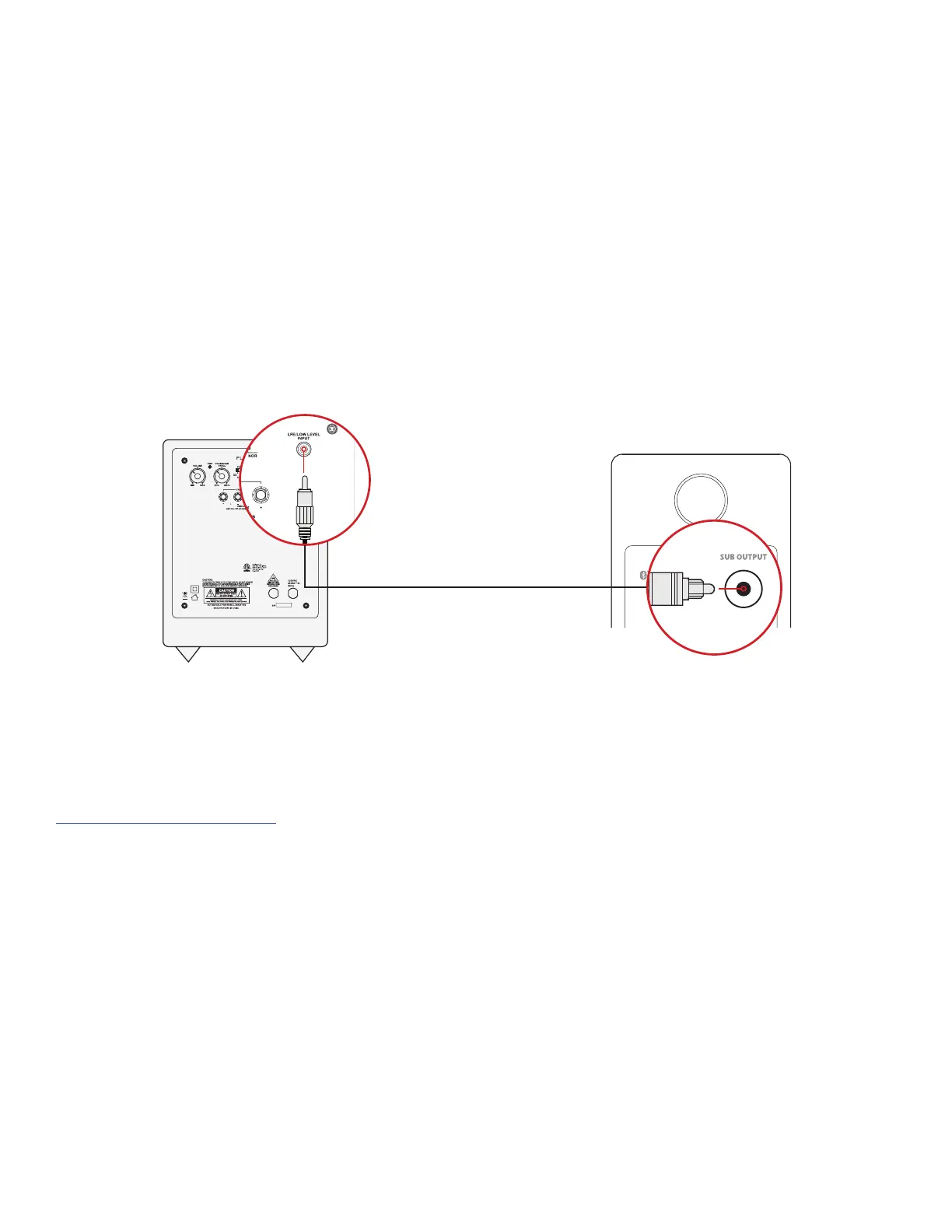
Subwoofer Output
IMPORTANT: When a subwoofer cable is connected, the Ai41 will automatically cut
frequencies below 80Hz to optimize performance. The subwoofer cable must be removed
to resume full frequency playback.
1. Connect the Subwoofer cable to your powered subwoofer.
2. Connect the other end of the Subwoofer cable to the back of the Active Speaker.
3. Adjust the volume on the Subwoofer for the best listening experience.
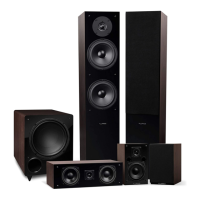
Fluance offers matching subwoofers for the ultimate audio experience.
For more information visit:
Fluance.com/subwoofer
*Subwoofer cable not included


 To Next Page