6
Getting Started
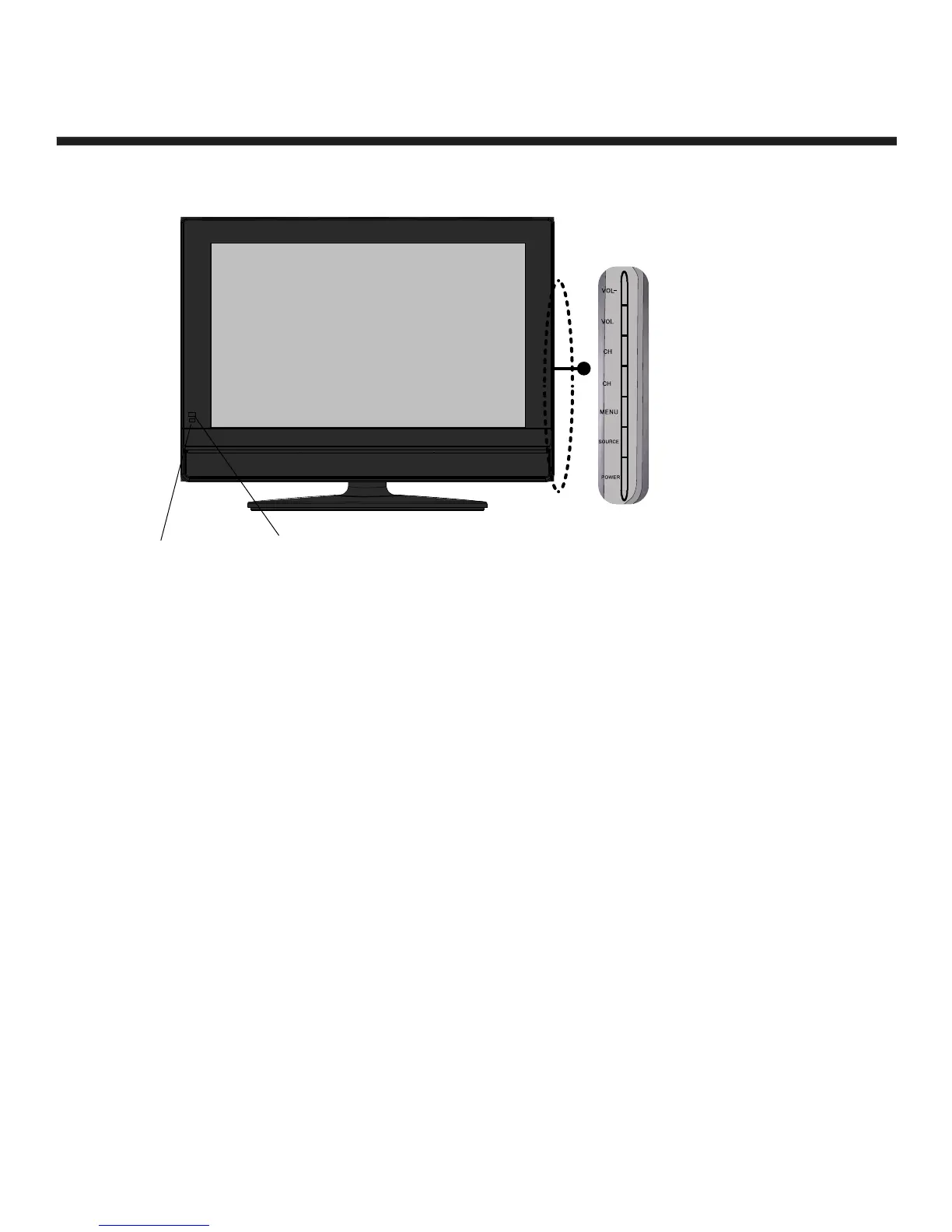
Front View Side View
LED
The LED light indicates when
the LCD TV is activated.
The function of the buttons are described below:
POWER: Turn on/standby the TV set.
SOURCE: Press to display the input source menu.
MENU: Press to display the OSD menu, press again to exit the menu
CH +/-: Press to scan through channels.
VOL +/-: Press to adjust the volume.
IR
Infrared
Receiver


 To Next Page