6
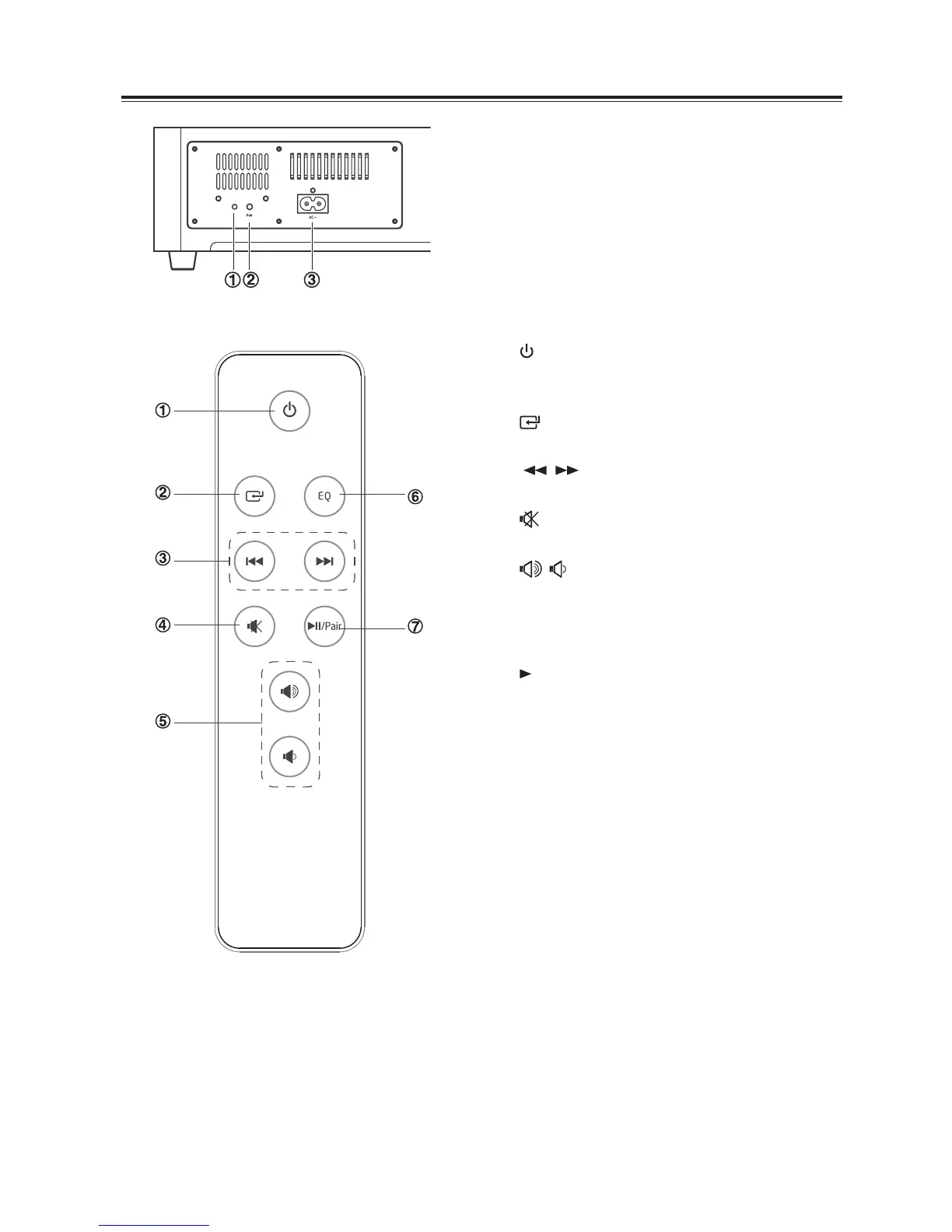
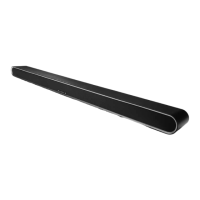
Wireless Subwoofer
1 PAIR Indicator
Light up solidly when the pairing is successful.
2 PAIR button
Connect to the main unit.
3 AC~ Socket
Connect to power.
Remote Control
1
Switch the unit between ON and STANDBY
mode.
2
Select the play function.
3
I / I
Skip to previous/next track in Bluetooth mode.
4
Mute or resume the sound.
5 ,
Increase/decrease the volume level.
6 EQ
Select a preset sound eect.
7
II
/PAIR
Play/pause/resume playback in Bluetooth
mode.
Activate the pairing function in Bluetooth
mode or disconnect the existing paired
Bluetooth device.


 To Next Page