8588A/8558A
Remote Programmer's Manual
64
Emulation Modes
To select an emulation mode push . Select Emulation. Push for
8508A or for 3458A. The active port will be forced to GPIB. Select the
required bus address. Refer to the documentation for the product being emulated
for the details of the remote commands for that product.
Note
The Product only responds correctly to commands appropriate to the
Emulation mode selected (None, 8508A, or 3458A).
8508A Command Emulation
The 8508A command shown in Table 13 will be accepted by the Product but will
cause no action.
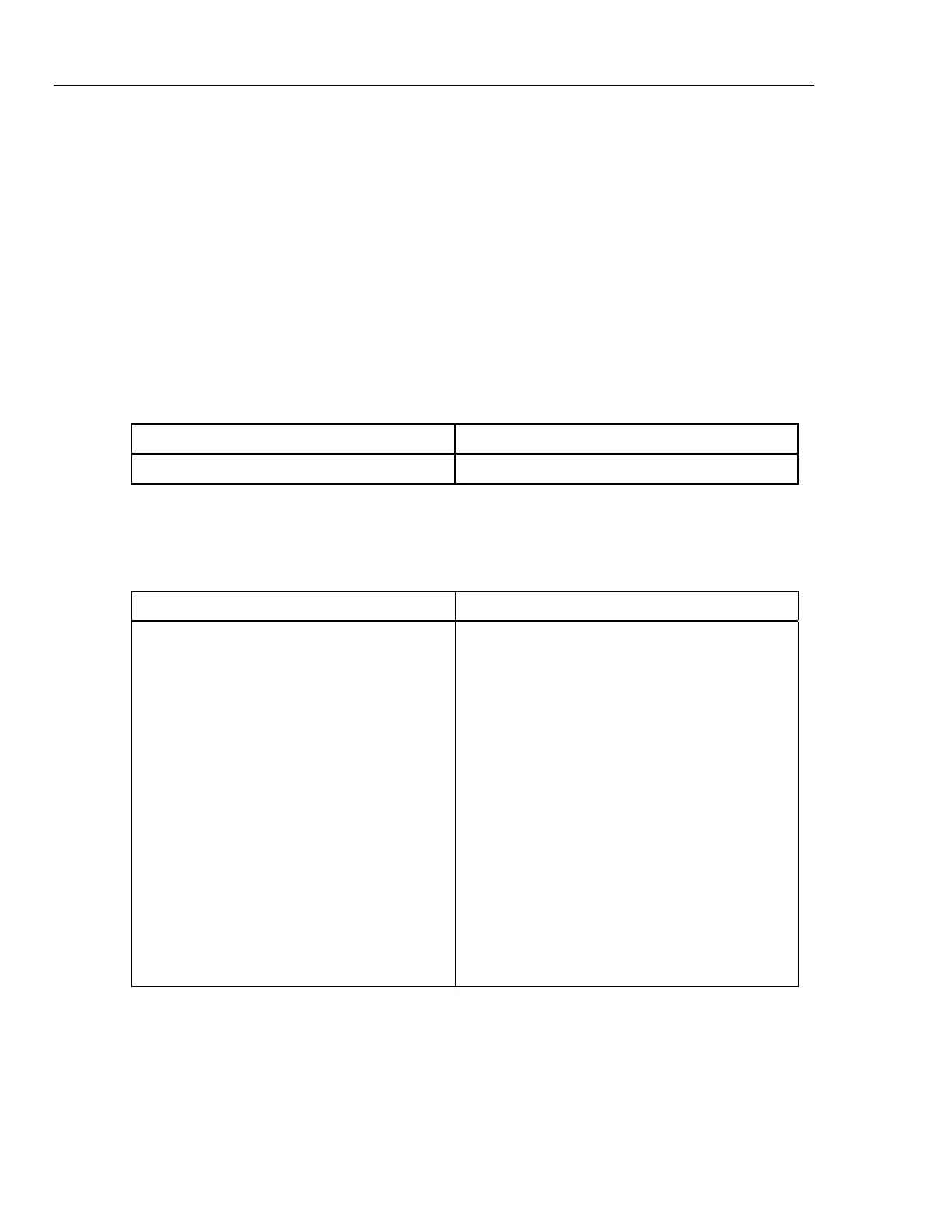
Table 13. 8508A Command Emulation
8508A Command 8508A Parameters
PRT "identity"
The 8508A commands shown in Table 14 below will cause error -102 to be
returned.
Table 14. 8508A Commands that cause Error -102
8508A Command 8508A Parameters
SPOT?
PRT?
PRT_CHR identity,type,wires
PRT_COEF
PRT_DATA? "identity"
PRT_DEL "identity"
ENBCAL EXTNL|SPECIAL
CAL? <numeric>
SELSPOT <numeric>,SET, <numeric>
*PUD Various forms of up to 5 parameters
EXITCAL ["datestring"|'datestring']
SERIAL <12 ascii characters>
CLRMEM ALL|HFTRIM


 To Next Page