180LR, 180LG
Users Manual
4
Alignment
New Horizontal or Diagonal Alignment
To identify new level and grade marks:
Note
Use the Product in manual level mode to find
d
iagonal alignment.
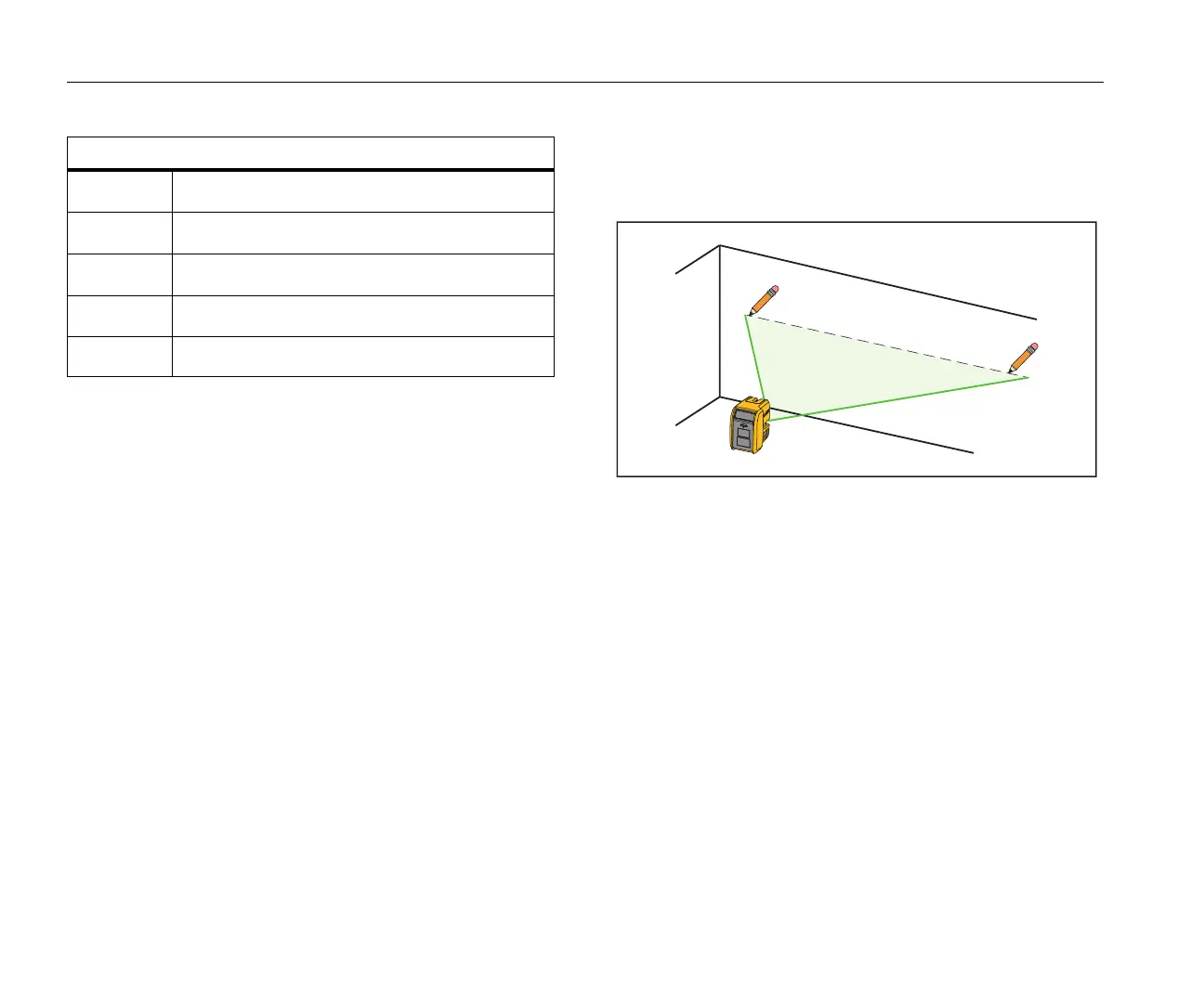
1. Put the bottom of the Product on a stable surface.
2. Turn the Product around on its center until the
h
orizontal laser points to the target area. See Figure 2.
3. Put marks at the level or grade point on the target area.
Note
When the Product is mounted on a tripod, make sure
the
tripod head is perfectly level. Errors in marks can
result if a tripod is out of level.
Figure 2. New Horizontal or Diagonal Mark
G
Accessory mount
H
Optical windows
I
Batter door
J
Holster
--
Soft case (not shown)
Table 2. Product Features (cont.)
Item
Description



 To Next Page