Line Laser Levels
Alignment
5
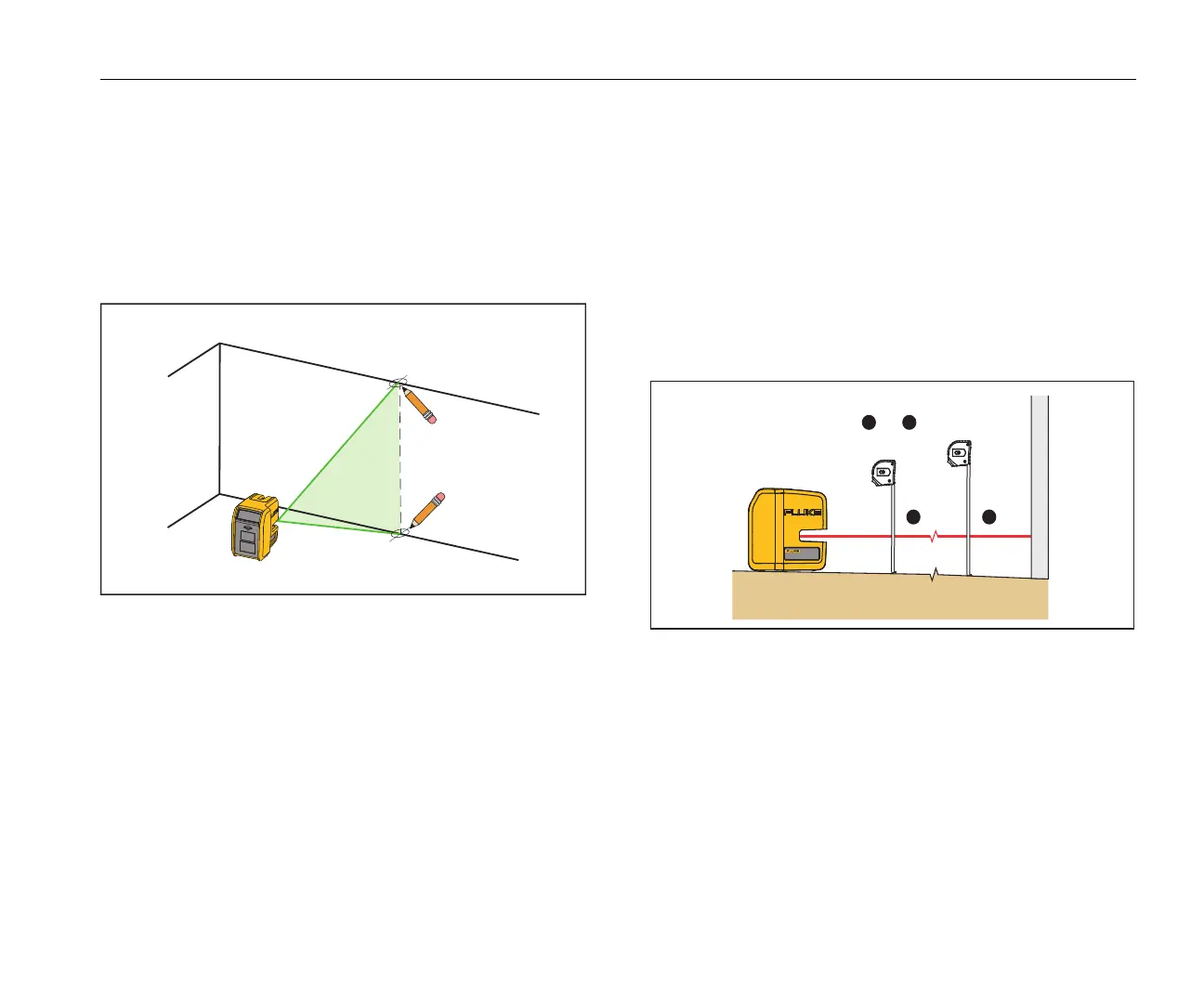
New Vertical Alignment
To identify new marks that are vertically aligned:
1. Put the Product facing the target and turn on the vertical
la
ser. See Figure 3.
2. Put marks at the point where the vertical laser intersects
th
e target area.
Figure 3. New Vertical Mark
Existing Item Alignment
To determine if an existing item is aligned:
1. Point the horizontal or vertical laser at the target area.
2. Measure the distance from the item to the laser. See
Figu
re 4.
3. Repeat step 2 at various distances from the Product.
If the measurements are the same from each distance
fr
om the Product, the condition is aligned.
Figure 4. Existing Item Alignment



 To Next Page