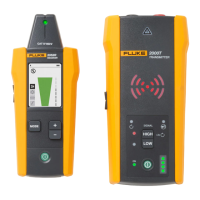
Wire Tracer Receiver and Transmitter
Receivers
7
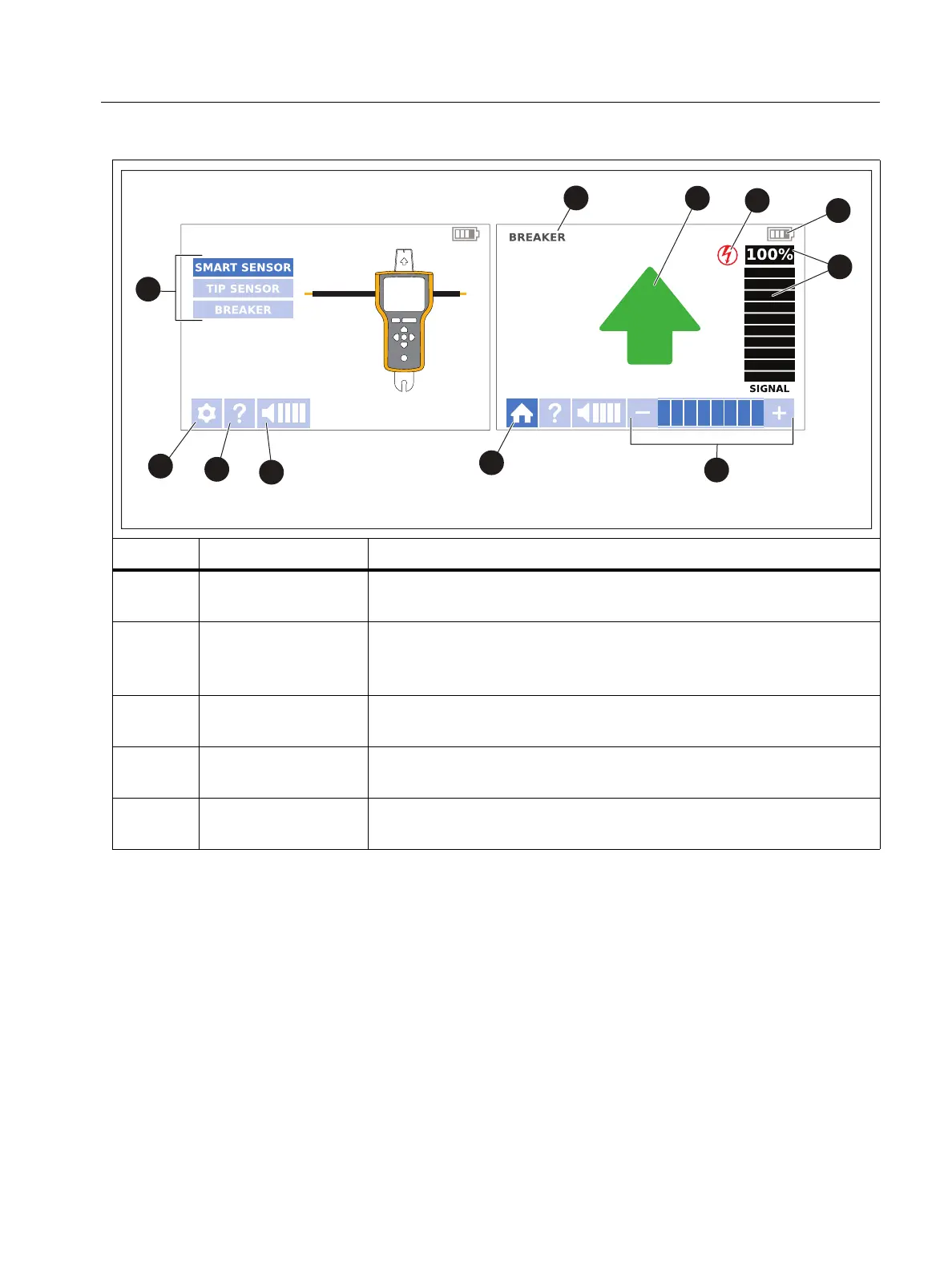
Table 4. 2062R Display Features
Item Description Function
Tra ce mode
selectors
Use with navigation buttons to set and show non-NCV trace
modes. See Change the Trace Mode.
Settings button
Opens the settings screen to select the language, brightness
of the screen, volume, and type of breaker (GFI or RCD). See
Change Settings.
Help button
Opens the help screen to show an explanation of the symbols
used on the interface. See View Help Screen.
Volume button
Opens the volume menu to change the volume the Receiver
emits. See Change the Volume.
Home button
While in a trace mode or on the help screen, returns to a
home screen.
A Home Screen A Trace Screen


 To Next Page