Reference Pressure Gauge
Display and Buttons
5
Display and Buttons
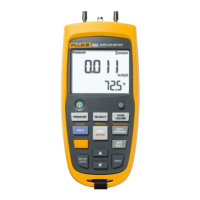
The Display and Buttons are shown in Figure 1. The
Buttons are in Table 2.
3
1
2
4
gsn001.eps
Figure 1. The Product
Table 2. Display and Buttons
Item Function
Push to turn on the Product. Push again to
turn off the Product.
Zeros the display. In Configure Mode, push
the button to move forward through the
menus.
MIN MAX records minimum and maximum
pressure values and saves them to
memory. Push to show maximum
(MAX) indication. Push again to show
minimum (MIN) indication. After 2 seconds,
the gauge goes back to live operation.
To clear the MIN MAX memory values,
push and hold for 2 seconds until CLr
is shown.
In Configure Mode, push () to move
backward through the menus.
1.888.610.7664 sales@GlobalTestSupply.com
Fluke-Direct.com



 To Next Page
 Loading...