CERTIFIBER ENGLISH - 8
Utilizes interchangeable connector adapt-
ers to test multiple network connections
Includes a custom-tailored, non-removable
impact cover for added protection
Graphical User Interface
CERTIFIBERs graphical user interface consists of
an LCD display, quick access menus, arrow
keys, and descriptive menu options that
simplify certifying and troubleshooting fiber
cabling systems.
CERTIFIBERs Keypad
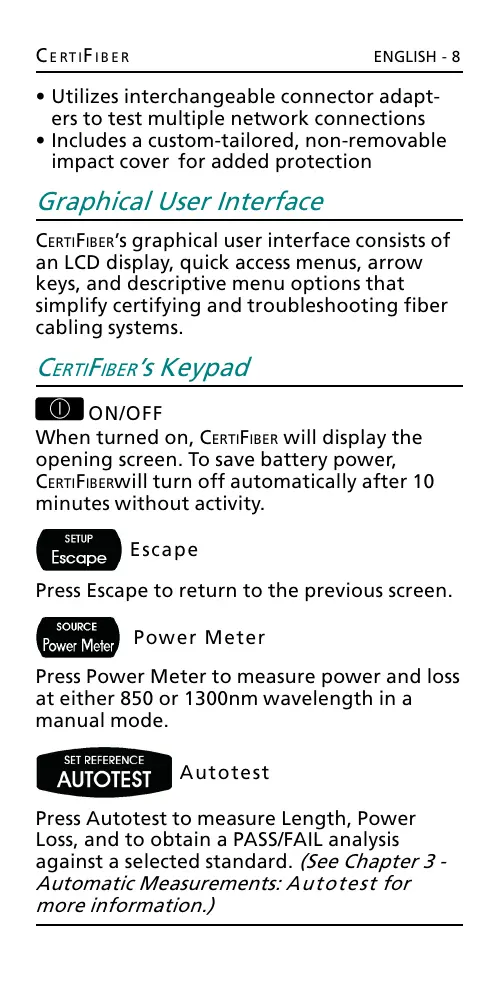
ON/OFF
When turned on, CERTIFIBER will display the
opening screen. To save battery power,
CERTIFIBERwill turn off automatically after 10
minutes without activity.
Escape
Press Escape to return to the previous screen.
Power Meter
Press Power Meter to measure power and loss
at either 850 or 1300nm wavelength in a
manual mode.
Autotest
Press Autotest to measure Length, Power
Loss, and to obtain a PASS/FAIL analysis
against a selected standard. (See Chapter 3 -
Automatic Measurements: Autotest for
more information.)
All manuals and user guides at all-guides.com










 To Next Page