CERTIFIBER ENGLISH - 9
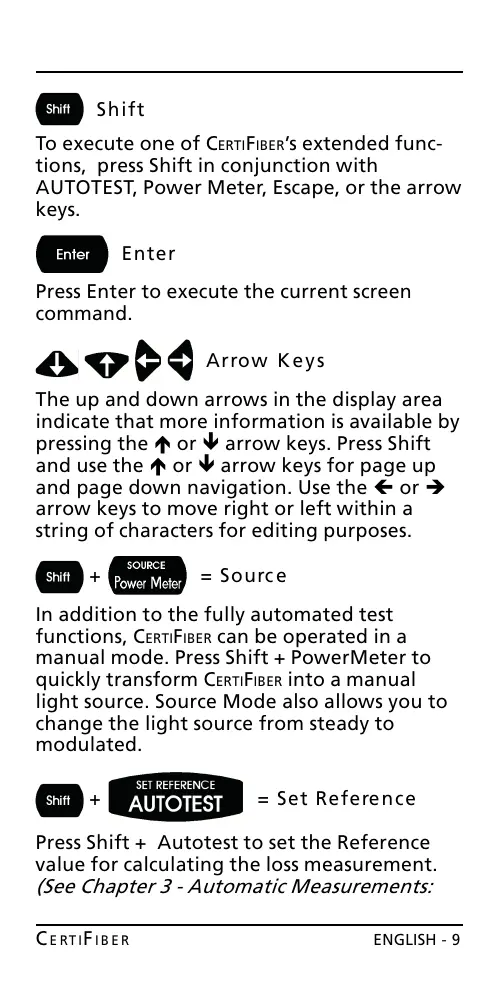
Shift
To execute one of CERTIFIBERs extended func-
tions, press Shift in conjunction with
AUTOTEST, Power Meter, Escape, or the arrow
keys.
Enter
Press Enter to execute the current screen
command.
Arrow Keys
The up and down arrows in the display area
indicate that more information is available by
pressing the é or ê arrow keys. Press Shift
and use the é or ê arrow keys for page up
and page down navigation. Use the ç or è
arrow keys to move right or left within a
string of characters for editing purposes.
+ = Source
In addition to the fully automated test
functions, CERTIFIBER can be operated in a
manual mode. Press Shift + PowerMeter to
quickly transform CERTIFIBER into a manual
light source. Source Mode also allows you to
change the light source from steady to
modulated.
+ = Set Reference
Press Shift + Autotest to set the Reference
value for calculating the loss measurement.
(See Chapter 3 - Automatic Measurements:
All manuals and user guides at all-guides.com










 To Next Page