CERTIFIBER ENGLISH - 19
Chapter 2 - Setup
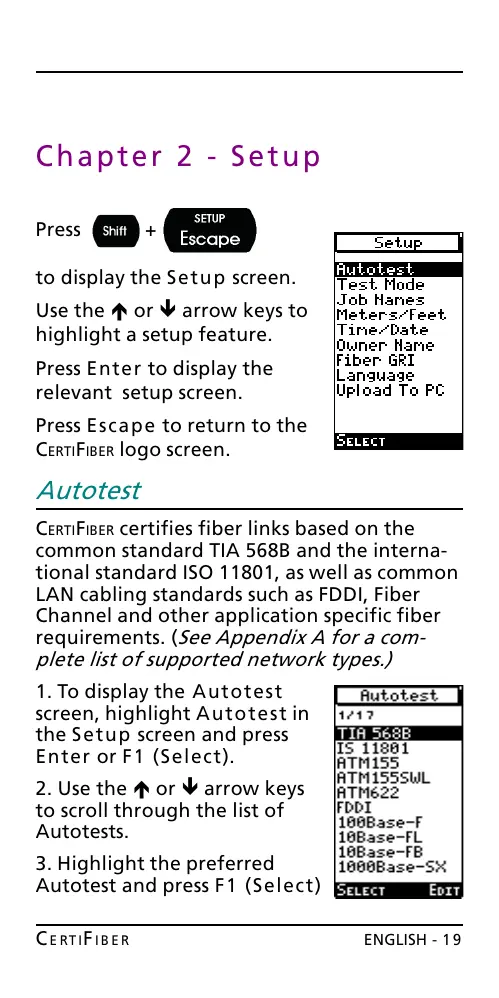
Press +
to display the Setup screen.
Use the é or ê arrow keys to
highlight a setup feature.
Press Enter to display the
relevant setup screen.
Press Escape to return to the
CERTIFIBER logo screen.
Autotest
CERTIFIBER certifies fiber links based on the
common standard TIA 568B and the interna-
tional standard ISO 11801, as well as common
LAN cabling standards such as FDDI, Fiber
Channel and other application specific fiber
requirements. (See Appendix A for a com-
plete list of supported network types.)
1. To display the Autotest
screen, highlight Autotest in
the Setup screen and press
Enter or F1 (Select).
2. Use the é or ê arrow keys
to scroll through the list of
Autotests.
3. Highlight the preferred
Autotest and press F1 (Select)
All manuals and user guides at all-guides.com










 To Next Page