CERTIFIBER ENGLISH - 26
cable are 1.5014 at 850nm, and 1.4966 at
1300nm. If you are using 50 micron cable and
do not have the GRI values published by the
fiber manufacturer, the defaults should be set
to 1.4897 at 850nm and 1.4856 at 1300nm.
The standard GRI values for 62.5 micron fiber
produced before 1994 is 1.478 at 850nm, and
1.422 at 1300nm.
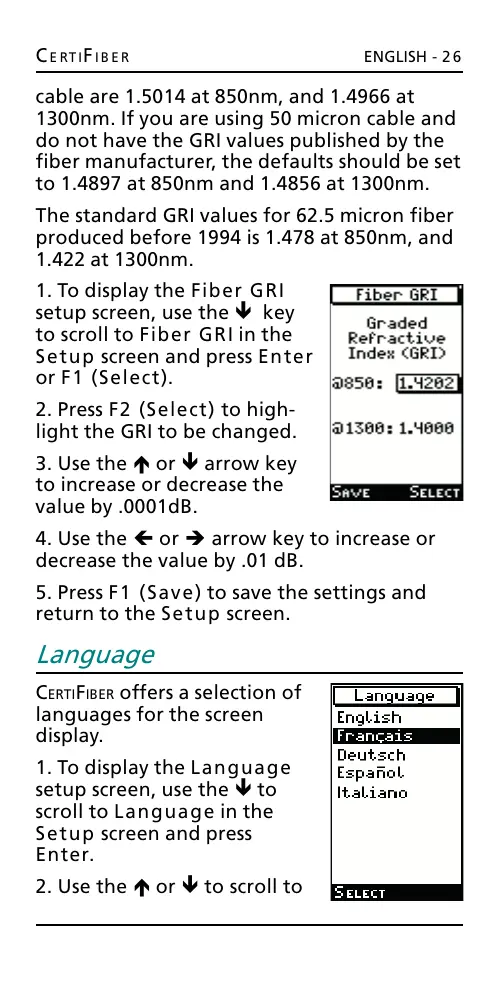
1. To display the Fiber GRI
setup screen, use the ê key
to scroll to Fiber GRI in the
Setup screen and press Enter
or F1 (Select).
2. Press F2 (Select) to high-
light the GRI to be changed.
3. Use the é or ê arrow key
to increase or decrease the
value by .0001dB.
4. Use the ç or è arrow key to increase or
decrease the value by .01 dB.
5. Press F1 (Save) to save the settings and
return to the Setup screen.
Language
CERTIFIBER offers a selection of
languages for the screen
display.
1. To display the Language
setup screen, use the ê to
scroll to Language in the
Setup screen and press
Enter.
2. Use the é or ê to scroll to
All manuals and user guides at all-guides.com










 To Next Page