Page
HOW TO USE DSX 5000
16
Run the tester’s reference procedure at the following times:
-When you want to use the tester with a different smart remote. You can reference the
tester to two different smart remotes.
- Every 30 days. Doing so ensures maximum accuracy of test results.
You do not need to set the reference after changing link interface adapters.
To set the reference:
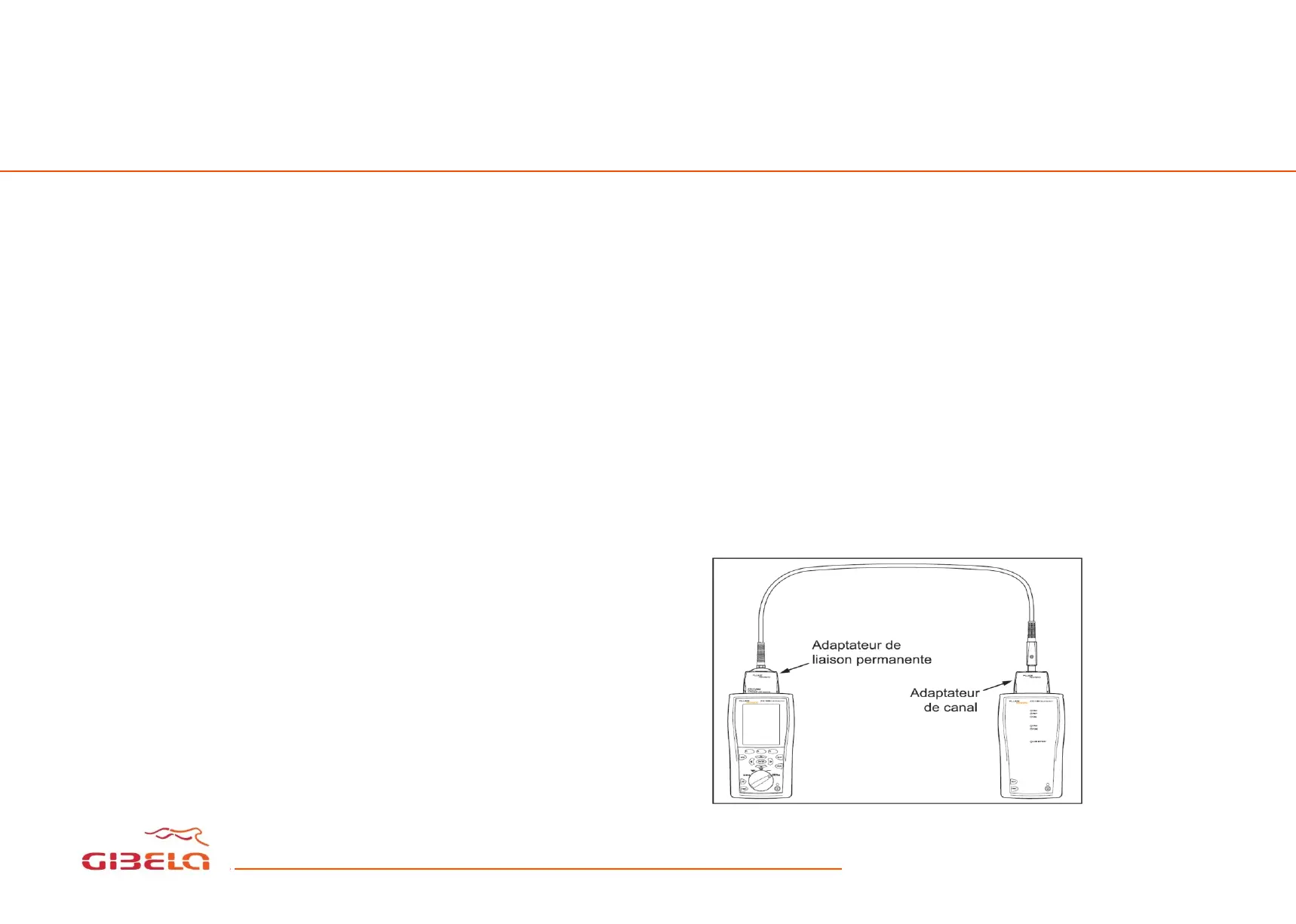
Attach permanent link and channel adapters and make the connections shown in the figure
below,
Turn the rotary switch to SPECIAL FUNCTIONS,
Highlight Set Reference then press Enter
Press “Test”









 To Next Page