5 - 20 Users Manual
At delivery the contents of all addresses are set to their minimum value. When an
address has been filled, its contents can be recalled, so that the settin
s become
actual. The actual settin
s can be updated in OPERATE and STANDBY modes,
but they are only active in the OPERATE mode. When the power supply is in the
STANDBY mode, the actual settin
s will become active as soon as the OPERATE
mode is entered.
Note: To remember which locations have been pro
rammed and which have
not, keep a record (such as the followin
) of which locations have been
used.
Local control (store/recall):
The volta
the key and the numeric input keys.
The output volta
the key in the OPERATE mode.
The current I
set
can be set usin
the key and the numeric input keys.
The output current can be adjusted usin
the key in the OPERATE mode.
The actual volta
the key.
Example:
• REQUIREMENTS : Fill the memory address 23 with 5V/0.3A and the
memory addresses 33, 34, and 35 with, respectively,
4V/1A, 3V/1A and 2V/1A for output channel 1.
• SOLUTION:
Press to make the STANDBY mode active.
For multiple output units, press a number of times until output
channel 1 has been selected (see indication 1 on the display).
Press to set the actual volta
e at 5V.
Press to set the actual current at 0.3A.
Press to store the 5V and 0.3A at memory address 23.
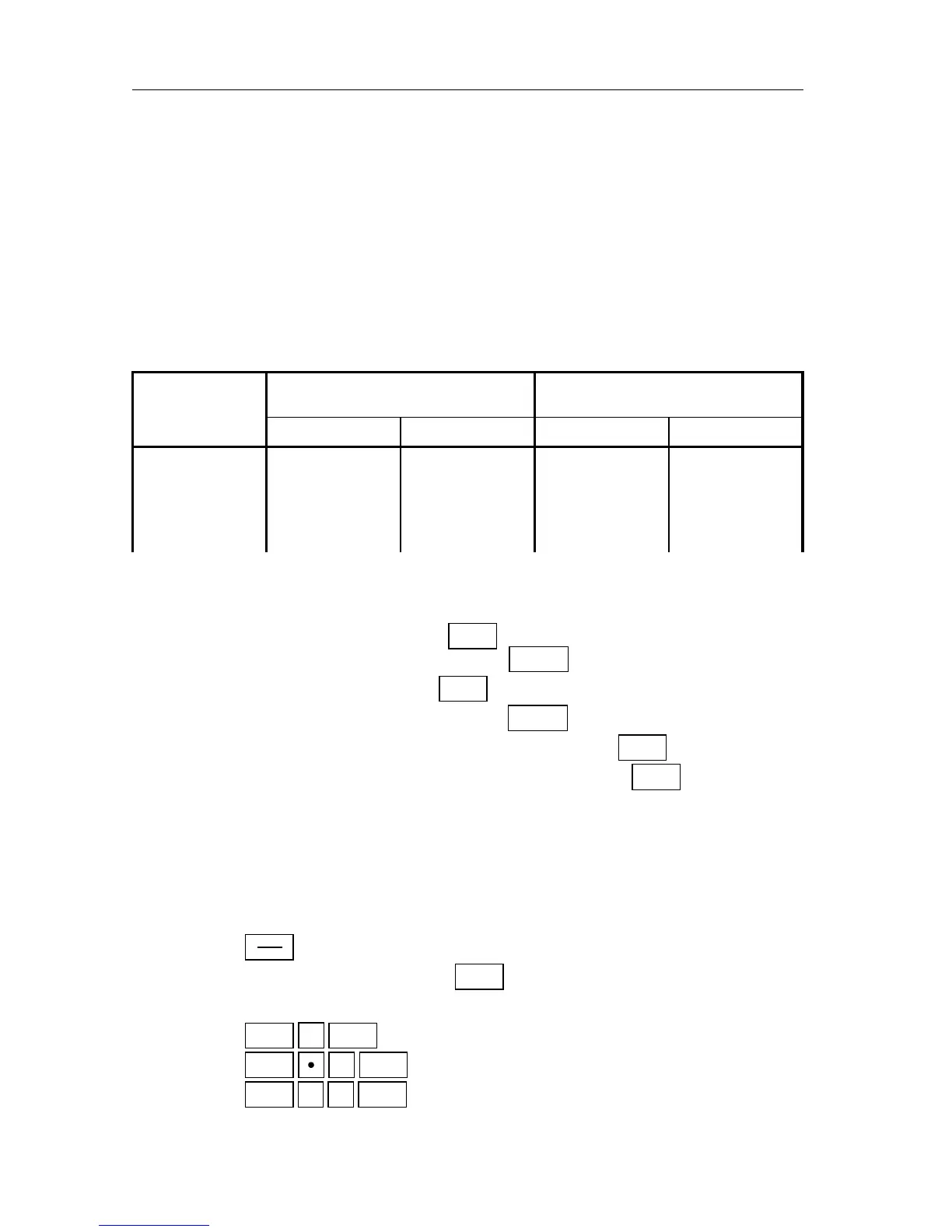
MEMORY OUTPUT CHANNEL 1 OUTPUT CHANNEL 2
ADDRESS VOLTAGE CURRENT VOLTAGE CURRENT
01 2.0 0.00 5.9 0.90
02 1.9 0.10 5.8 0.80
03 1.8 0.20 5.7 0.70
04 etc. etc. etc. etc.



 To Next Page