Thermal Imager
Memory Menu (Memory Gallery)
41
Memory Menu (Memory Gallery)
Note
When the memory is 90 % full, a yellow message bar shows at the top of the display.
When the memory is full, the message bar changes to red. To capture more images
when the internal memory is full, save the images to an external memory device and
delete the images from the Product.
Images are saved to the internal memory storage. Use the Memory menu to view, edit, or
delete images. Images are organized by the date they were captured with the newest
images at the top.
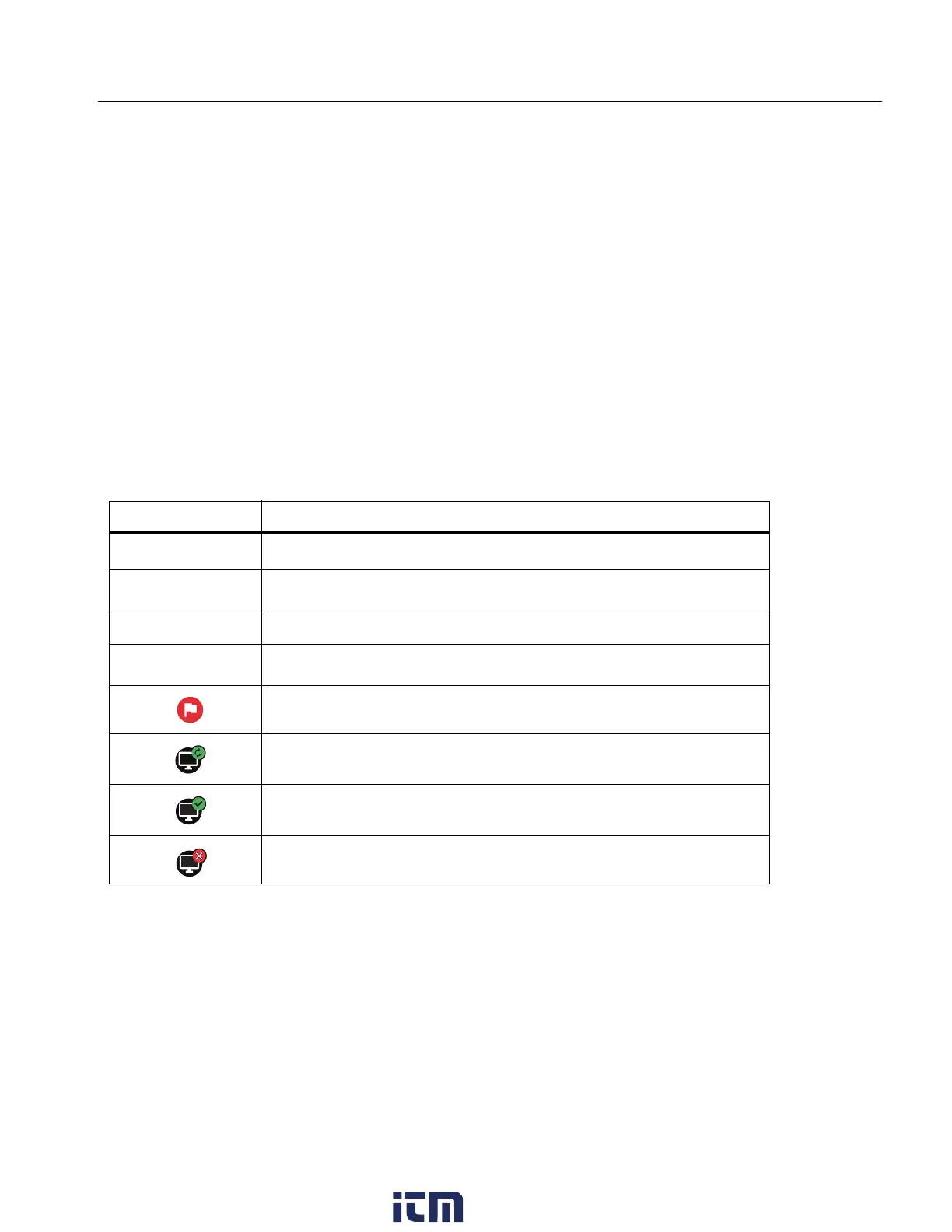
When additional information has been saved with an .is2 file, an icon shows with the preview
file. Tab l e 1 8 shows the icons.
Table 18. Image Icons
Icon Description
1
Asset ID
n
Text Note
Audio Note
C
IR-PhotoNote
Asset flag
Image is saving to a shared folder
Image saved to a shared folder
Image is not saved. Return to WiFi range to save.
w ww. . com
information@itm.com1.800.561.8187



 To Next Page