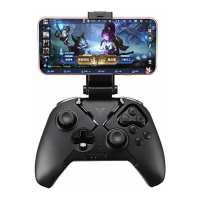
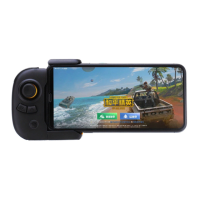
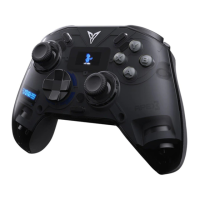
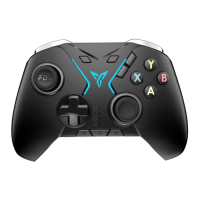
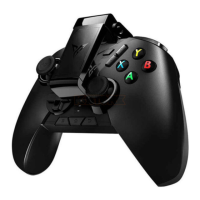
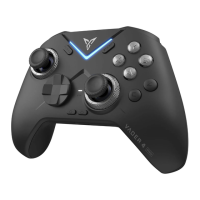
Basic operations
Specification
Power on: Press the button once
Power off: switch back gear; After 5 minutes of no operation, the controller will
automatically turn off
Low battery: The second indicator flashes red
Charging: The second indicator keep in red
Fully charged: The second indicator keep in green
XInput mode: suitable for the vast majority of games that natively support controllers
DInput mode: For emulator games that natively support controllers
Wireless RF: Bluetooth 5.0
Service distance: less than 10 meters
Battery information: rechargeable lithium-ion battery, battery capacity 800mAh,
charging time 2 hours, charging voltage 5V, charging current 800mA
Operating current: less than 45mA when in use, less than 10μA in standby
Temperature range: 5 °C ~ 45 °C use and storage
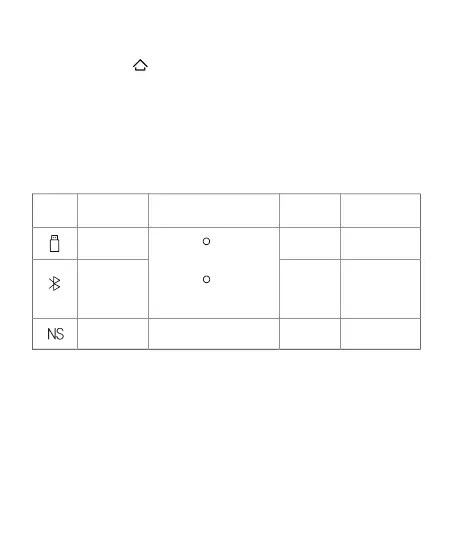
mode
PC
Dongle/ Wired
Win 7 and Above
Switch
Win 7 and Above
Android 10 and
Above
iOS 14 and Above
BT
BT/Wired
Long press +X to switch to
XInput mode, the indicator is
white
Long press +A to switch to
DInput mode, the indicator is
blue
PC/Android
/iOS
Switch Blue
Applicable
Platforms
Light
Connection
method
System
requirements



 To Next Page