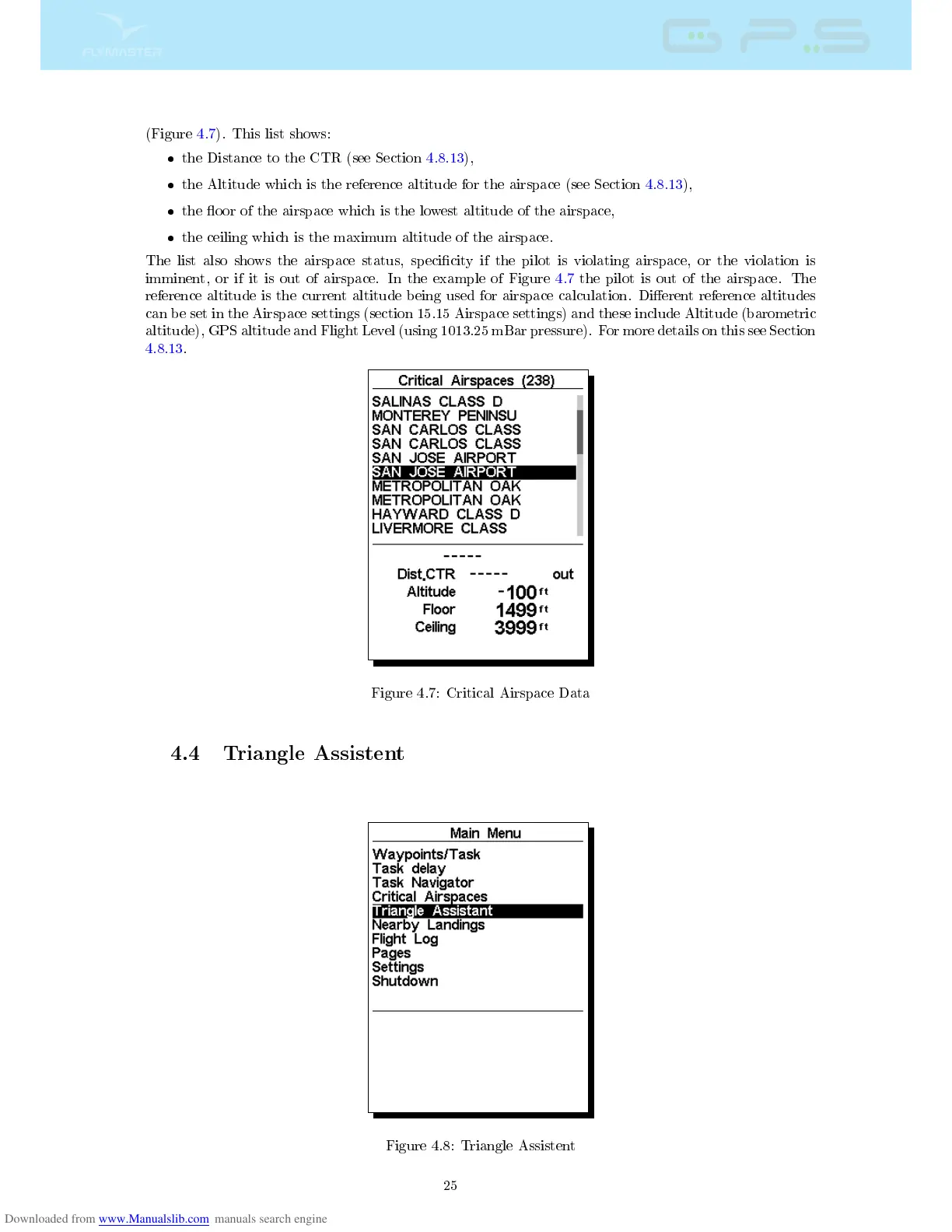
(Figure 4.7). This list shows:
the Distance to the CTR (see Section 4.8.13),
the Altitude which is the reference altitude for the airspace (see Section 4.8.13),
the oor of the airspace which is the lowest altitude of the airspace,
the ceiling which is the maximum altitude of the airspace.
The list also shows the airspace status, specicity if the pilot is violating airspace, or the violation is
imminent, or if it is out of airspace. In the example of Figure 4.7 the pilot is out of the airspace. The
reference altitude is the current altitude being used for airspace calculation. Dierent reference altitudes
can be set in the Airspace settings (section 15.15 Airspace settings) and these include Altitude (barometric
altitude), GPS altitude and Flight Level (using 1013.25 mBar pressure). For more details on this see Section
4.8.13.
Figure 4.7: Critical Airspace Data
4.4 Triangle Assistent
Figure 4.8: Triangle Assistent
25



 To Next Page