4 Menu mode
When in ight mode, pushing the menu (S1) button accesses the menu mode. When in menu mode
pushing the menu(S1) button will go back to ight mode.
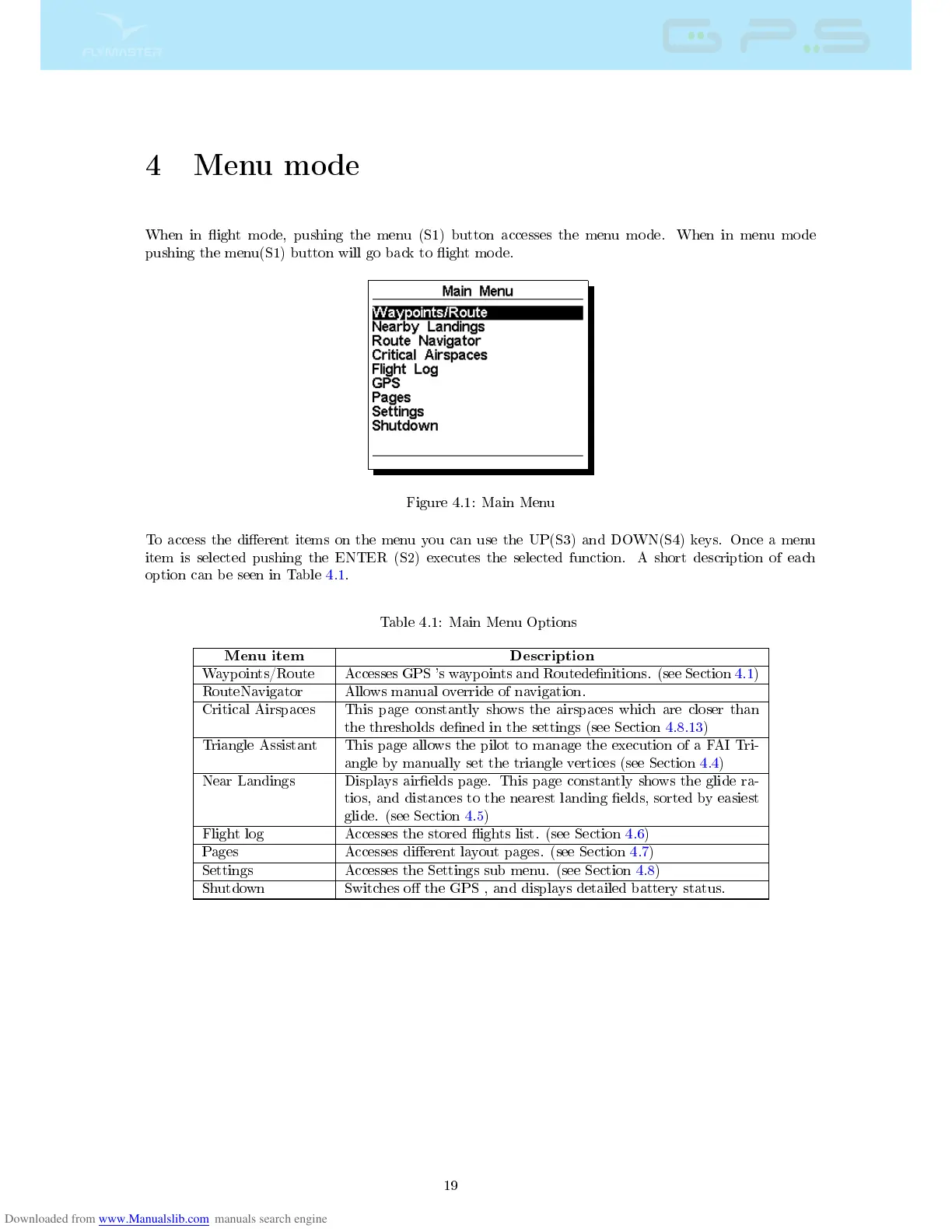
Figure 4.1: Main Menu
To access the dierent items on the menu you can use the UP(S3) and DOWN(S4) keys. Once a menu
item is selected pushing the ENTER (S2) executes the selected function. A short description of each
option can be seen in Table 4.1.
Table 4.1: Main Menu Options
Menu item Description
Waypoints/Route Accesses GPS 's waypoints and Routedenitions. (see Section 4.1)
RouteNavigator Allows manual override of navigation.
Critical Airspaces This page constantly shows the airspaces which are closer than
the thresholds dened in the settings (see Section 4.8.13)
Triangle Assistant This page allows the pilot to manage the execution of a FAI Tri-
angle by manually set the triangle vertices (see Section 4.4)
Near Landings Displays airelds page. This page constantly shows the glide ra-
tios, and distances to the nearest landing elds, sorted by easiest
glide. (see Section 4.5)
Flight log Accesses the stored ights list. (see Section 4.6)
Pages Accesses dierent layout pages. (see Section 4.7)
Settings Accesses the Settings sub menu. (see Section 4.8)
Shutdown Switches o the GPS , and displays detailed battery status.
19



 To Next Page