T.o Alti. - Take o altitude.
Above To- Altitude above take o
Max. Sink - Maximum sinking rate during ight
Max Climb - Maximum climbing rate during ight
Distance - Distance own
Pushing the ENTER key will display the Flight Log Action List, with options:
Delete ight
Delete all ights
Each of the options is explained in the following sections.
Also if you use a ight data download application and request the ight list while the Flight
Log Action is active only selected ight will be reported to the downloader application.
Delete Flight
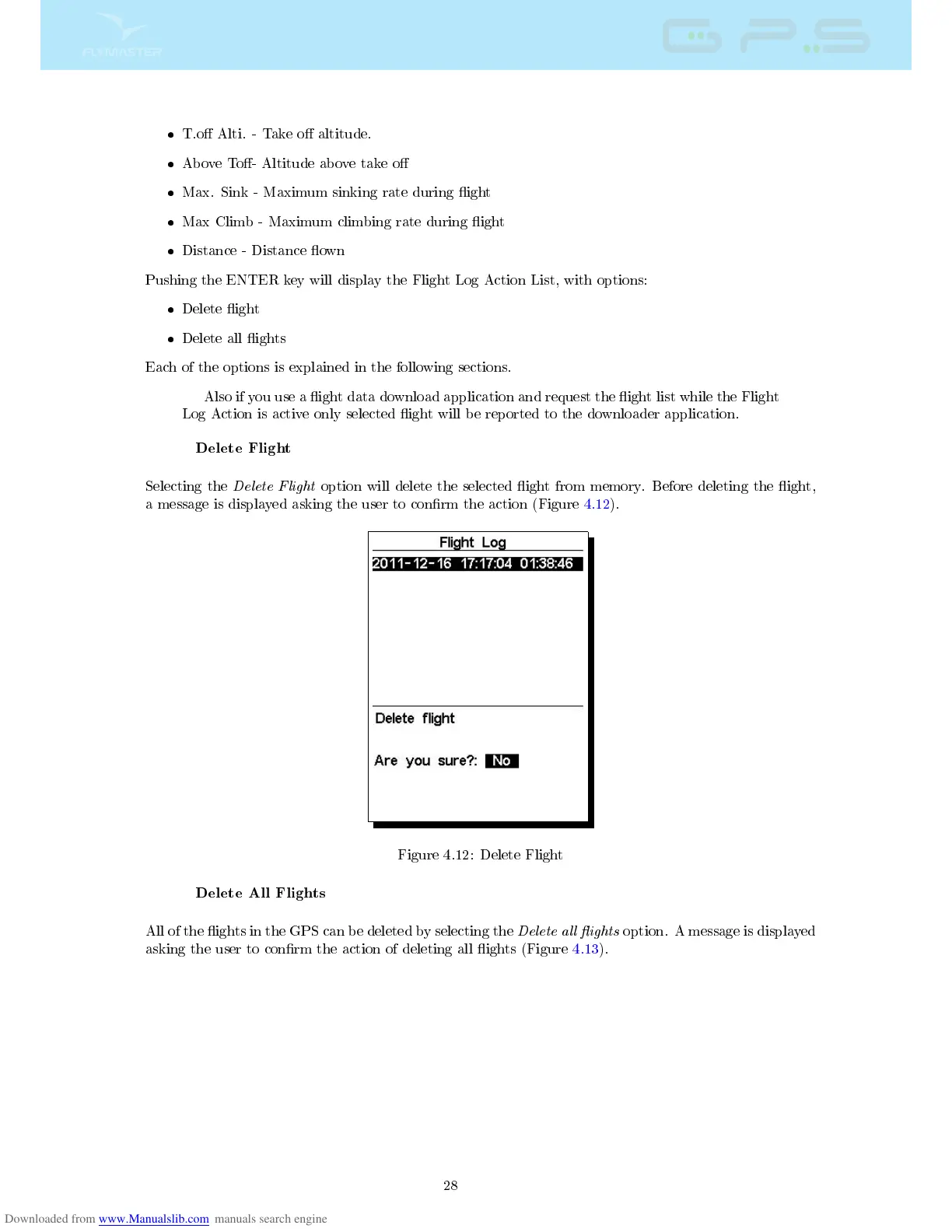
Selecting the
Delete Flight
option will delete the selected ight from memory. Before deleting the ight,
a message is displayed asking the user to conrm the action (Figure 4.12).
Figure 4.12: Delete Flight
Delete All Flights
All of the ights in the GPS can be deleted by selecting the
Delete all ights
option. A message is displayed
asking the user to conrm the action of deleting all ights (Figure 4.13).
28



 To Next Page