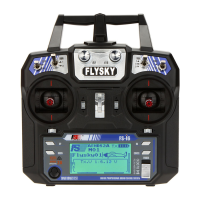
Switch SB:Level/Arco mode
The flight mode is "level mode".If the switch SB is down
Theflight mode is "acro mode"If switch SB is up
3.3 Basic operation of drone
3.3.1 Power the drone
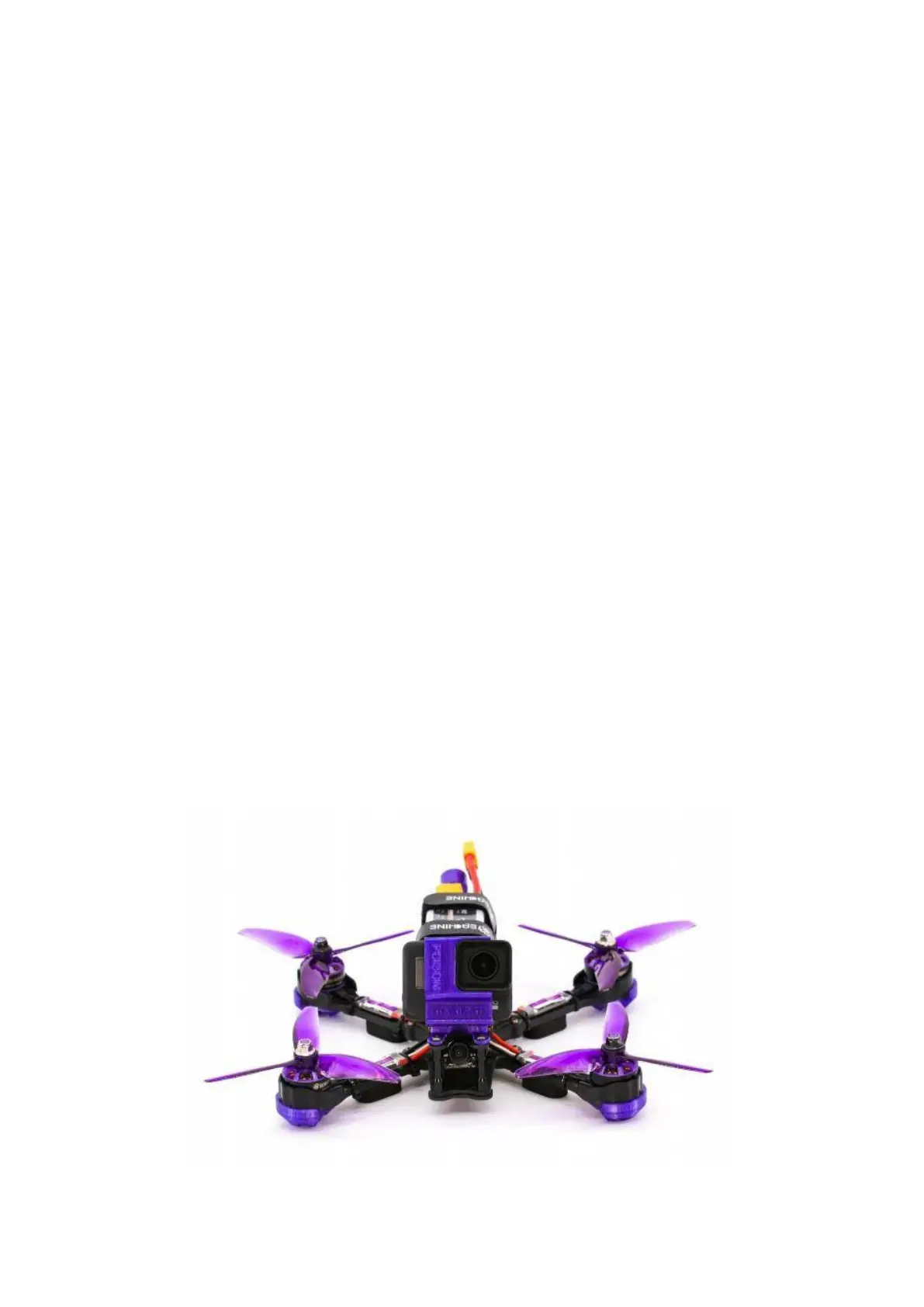
Strap the battery to the upper cover plate of the drone, connect its XT60
plug to the same plug of the aircraft, the flight control indicator lights up, and
the power supply of the drone is successful
Warning⚠ :
In the case of non immediate flight such as drone maintenance, please
remove the blades when connecting the battery.
3.3.2 Replacement of propeller
Grasp the motor by hand, use the matching wrench to remove the blade
nut, pull out the blade, and replace it according to the figure below.
The blade is sharp. Pay attention to safety when disassembling the blade.
Other tools can be used if necessary.


 To Next Page