EasyManua.ls Logo

FMS US01B.M8 - User Manual

FMS US01B.M8
12 pages
Print Icon
To Next Page IconTo Next Page
Loading...
Installation Manual
US01B.M8 / US04B.M8
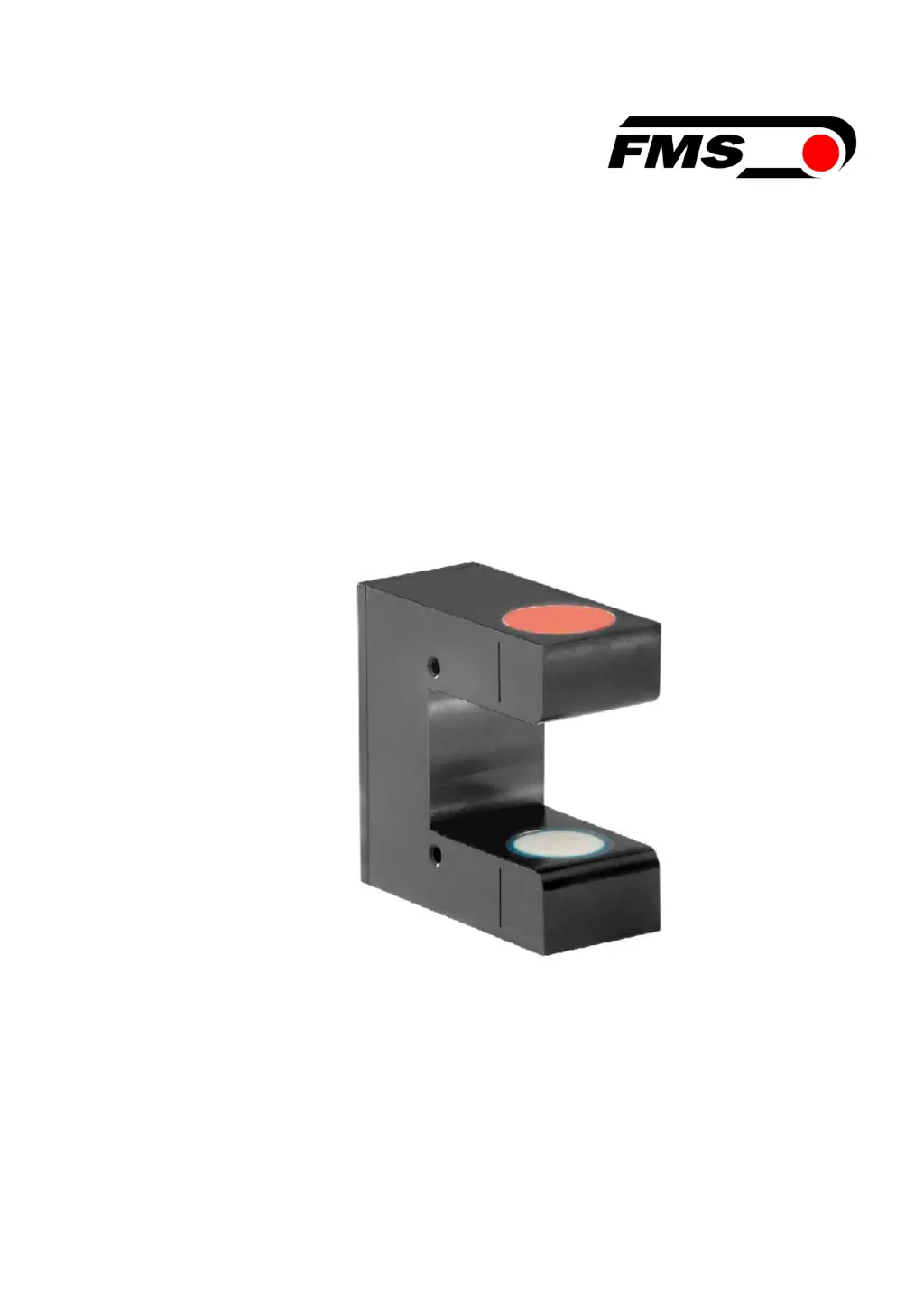
Ultrasonic sensor for web guiding systems
Document Version 1.80
Issue Date / Author 02/2017 / NS
Diese Bedienungsanleitung ist auch in Deutsch erhältlich.
Bitte kontaktieren Sie Ihre nächstgelegene FMS Vertretung.
© by FMS Force Measuring Systems AG, CH-8154 Oberglatt – Alle Rechte vorbehalten.

Questions and Answers

  • J
    james06Aug 19, 2025
    What to do if I experience occasional control dropouts with FMS US01B.M8 Accessories?
    • B
      bookerheidiAug 19, 2025
      If you're experiencing occasional control dropouts, it might be because the ultrasonic transmitter or receiver side is dirty. Try cleaning the sensor with a wet cloth.
  • J
    John DiazAug 26, 2025
    How to fix limited control range on FMS US01B.M8?
    • S
      Samantha MonroeAug 26, 2025
      A limited control range can occur if the edge has moved outside the sensor detection range. To resolve this, adjust the sensor more accurately to the center of the measuring range.
  • M
    Marcus CunninghamSep 3, 2025
    What to do if BKS guides the web edge immediately out of the sensor detection area in FMS Accessories?
    • K
      kellyshannonSep 3, 2025
      If the BKS guides the web edge immediately out of the sensor detection area, it could be due to the following reasons: * The sensor is installed on the wrong side. Install the sensor on the correct side (right sensor for „Edge right“, etc.). * The sensor is connected to the wrong socket. Connect the sensor plug to the correct socket (left plug to left socket, etc.).
  • J
    Jeremy LewisNov 10, 2025
    Why is my FMS US01B.M8 steering frame not moving?
    • A
      Anthony CookNov 10, 2025
      The steering frame might not be moving due to several reasons: * There may be no signal because the sensor is not connected correctly. Ensure the sensor is correctly connected according to the screw terminal arrangement, referring to the web guide controller's installation manual. * There may be a cable interruption. In this case, replace the cable or send the sensor to FMS. * The sensor might be defective, so send it to FMS or use another sensor. * There might be no power supply. Check the 24VDC supply. * The sensor signal might be 0V because the sensor is fully covered. Adjust the sensor more accurately to the web edge to center the measuring range. * The sensor signal might be 10V because the sensor is uncovered. Adjust the sensor more accurately to the web edge to center t...

FMS US01B.M8 Specifications

General IconGeneral
BrandFMS
ModelUS01B.M8
CategoryAccessories
LanguageEnglish