16 | P a g e
Note:
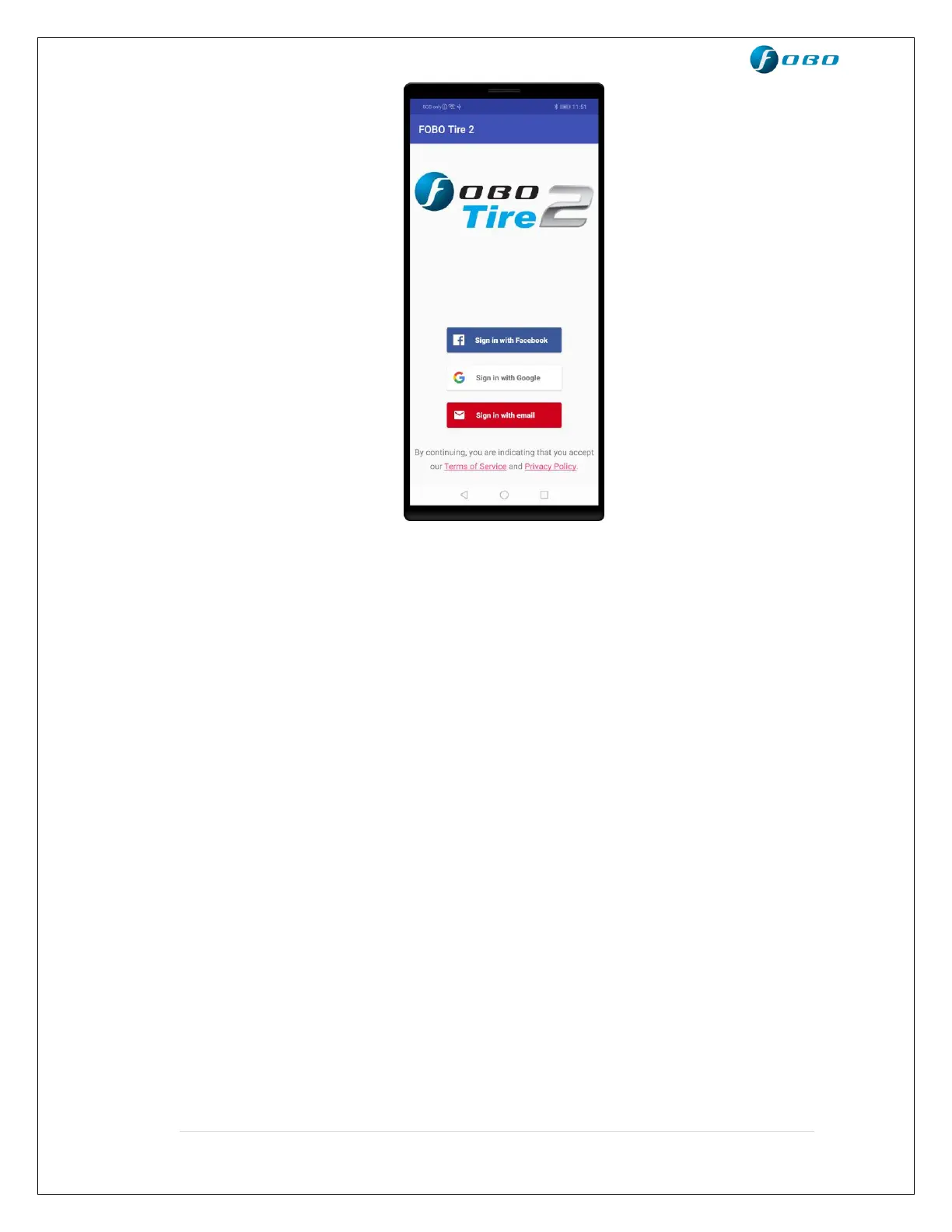
• Please remember the password you entered while creating an account. You
can click on “Trouble signing in” option on sign in page to get instructions
on how to reset password.
• If you do not receive any email (to reset password) from FOBO Admin after
15 minutes (with a good internet connection), please write in to
fobo@salutica.com.my. FOBO representative will be in touch with you to
solve the issue.
IMPORTANT:
FOBO TIRE 2 is locked to your FOBO account as an anti-theft deterrent. Stolen
sensors cannot be used by anyone else other than the FOBO account owner.
Location service is required to be enabled for the FOBO Tire 2 App (FOBO
Tire does not use the GPS function to track your location). The location service
on the iOS/Android system has other functionality that the FOBO Tire 2 App
uses to operate properly and to sync with the In-Car unit. It will ensure FOBO
TIRE 2 functions as designed, mainly for alert functions, Auto night mode, and
also the gauge pressure feature as required by users living at high altitudes.
FOBO TIRE 2 is designed to be a low energy system and does not drain your
smartphone battery excessively.


 To Next Page