7 | P a g e
4 Product Description of FOBO TIRE 2
4.1 In-Car Unit
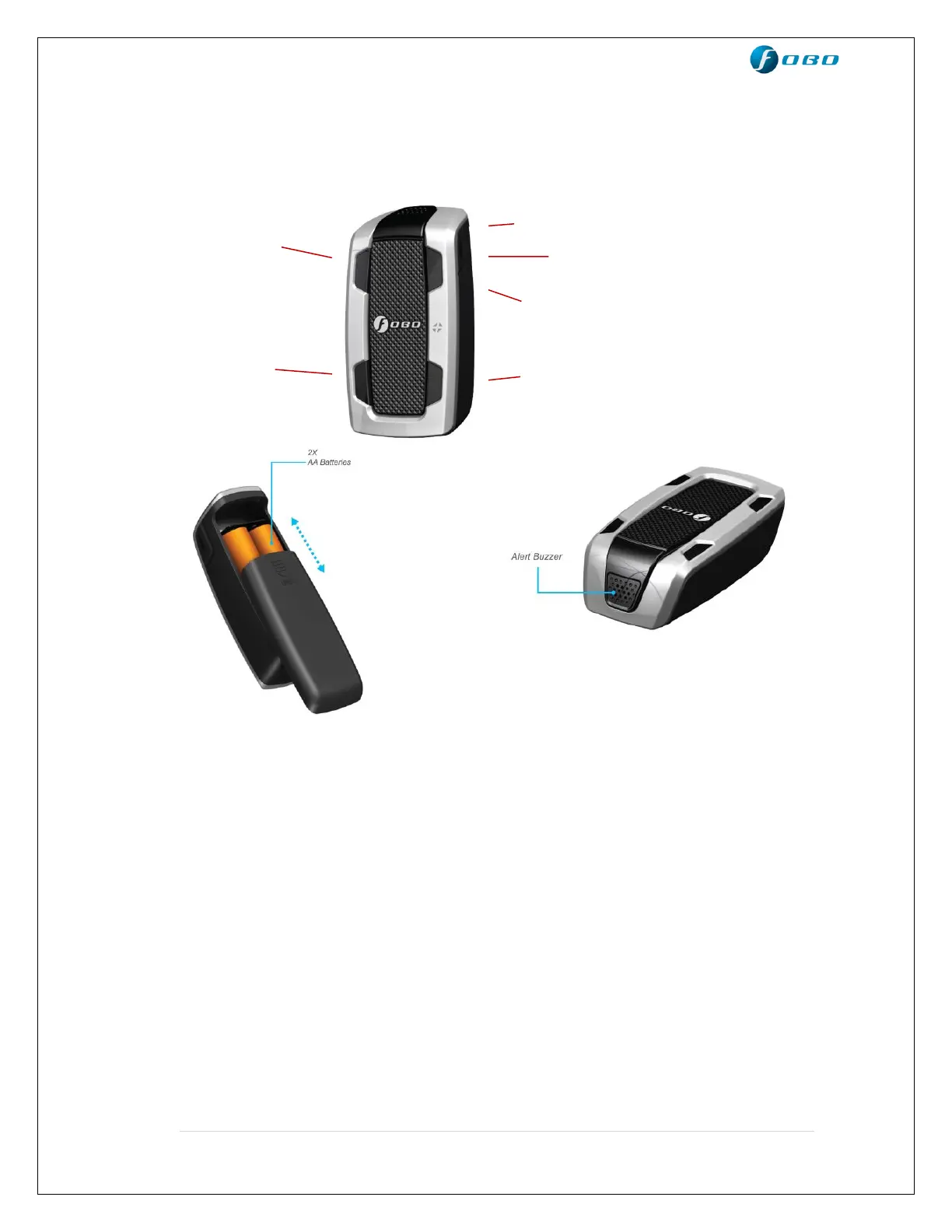
Tire position indicators – To indicate which tire has problem
Side button - In normal condition: A quick press on the side
button to check the status of In-Car unit whether it is
sleeping or in operational mode.
During tire alert: When there is a tire alert, a quick
press on the side button to silent the alert. After
silencing the alert, a quick press again will reproduce
the tire alert once.
Synchronizing with smartphone: A long press on
the side button to sync user settings with the
smartphone.
NOTE: Excessive frequent pressing on the side button will drain the In-Car unit
battery.



 To Next Page