20
Mixer
Scarlett MixControl lets you create up to 8 mono or 4 stereo mixes, each of which may have up to 18
input channels. A combination of mono and stereo mixes, up to the maximum of 8 mono-equivalent,
is also permissible.
Each mix may be formed from any of the 6 of the Scarlett 6i6’s inputs and/or up to 12 DAW tracks, and
any six of the eight mixes may be sent to any number of outputs. All mixer controls are independent
for each mix.
The Mixer Section is used to create mixes for monitoring and foldback purposes. The mixes you
create do not affect how the audio inputs are routed to the DAW, nor does it affect the audio level
of the signal to be recorded. How you set up the mixer section only affects what is sent to the audio
outputs.
The signal level of Inputs 1 and 2 to be sent to the DAW for recording are adjusted on the Scarlett 6i6
using the front panel GAIN controls.
An example of use for the mixer is recording multiple musicians simultaneously, e.g., a guitarist
and a vocalist simultaneously adding their contributions to a previously recorded backing track. To
record them successfully, you need to provide them with the backing track, and a feed of each other’s
input signal. The guitarist will need to hear the backing track and his/her guitar mixed prominently,
plus some vocals. The vocalist will need to hear the backing track, lots of his/her own vocals, plus a
little of the guitar. You can create a separate mix for each performer with the exact mix and level that
he/she needs. Each musician will have his/her own mix created using a different mixer tab.
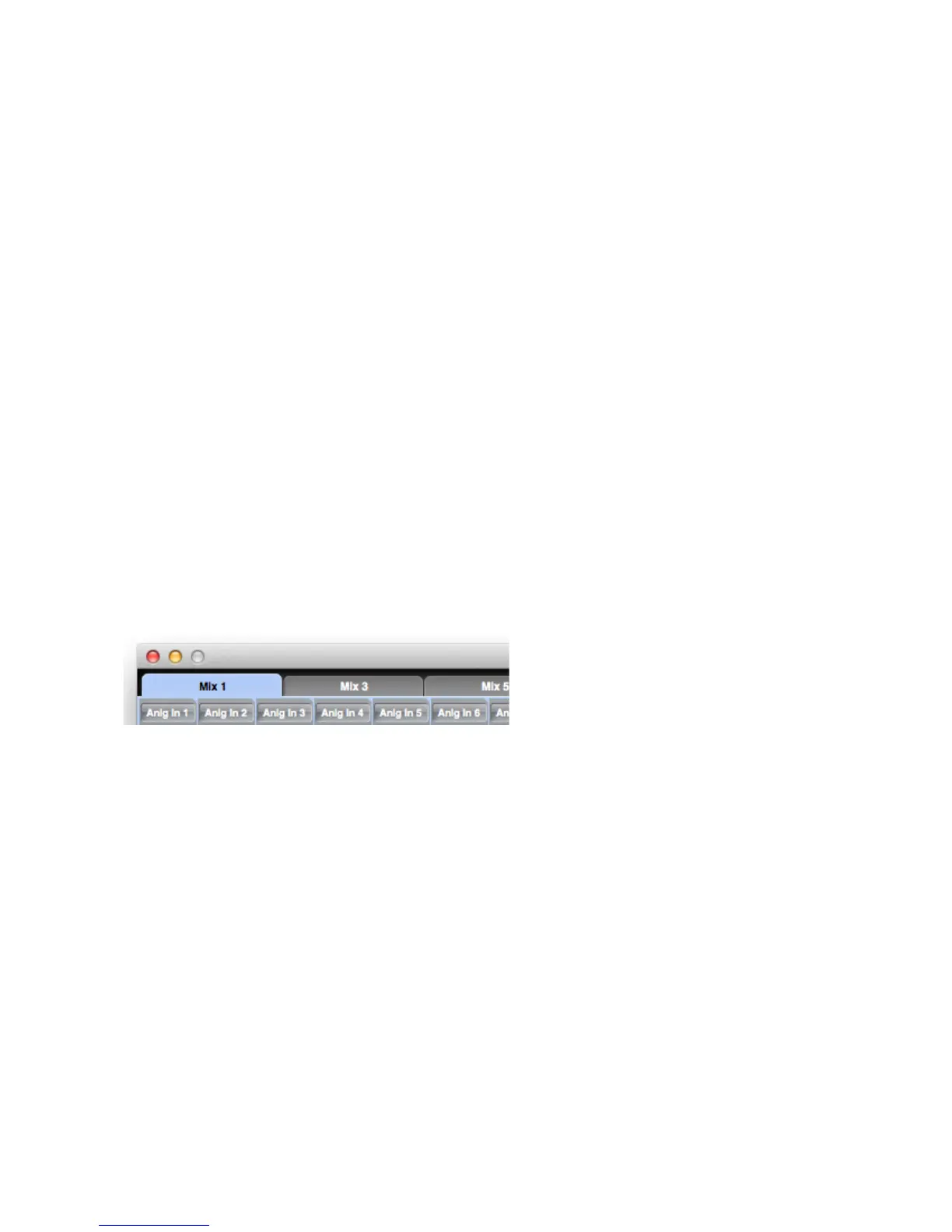
Mixer Tab
There are 8 Mixer Tabs, one for each mono mix. (Note that only 6 of these may be assigned to the
Scarlett’s 6i6’s physical outputs.)




 To Next Page