5 Receiver Operation
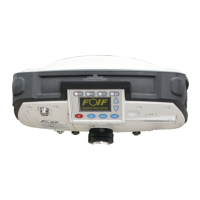
5.1 Buttons
5.1.1
Power (red)
Function:
1 Turn on/off
Turn on
1)Confirm that A20 is at shutdown state.
2)Press ,then loosen it.
3)Start screen would be displayed on the screen of A20.
4)You can hear the voice while turning on A20.
5)Light(BATT) is on and light(GPS) is blinking.
6)Finish.
A20 User Manual
Turn off
1)Comfirm that A20 is at working state.
2)Press for about 3 seconds unless you hear the voice while the information lossen
the power button, the receiver will be closed ,then lossen button.
3)The screen and lights on it would all be closed.
4)Finish.
20


 To Next Page