A20 User Manual
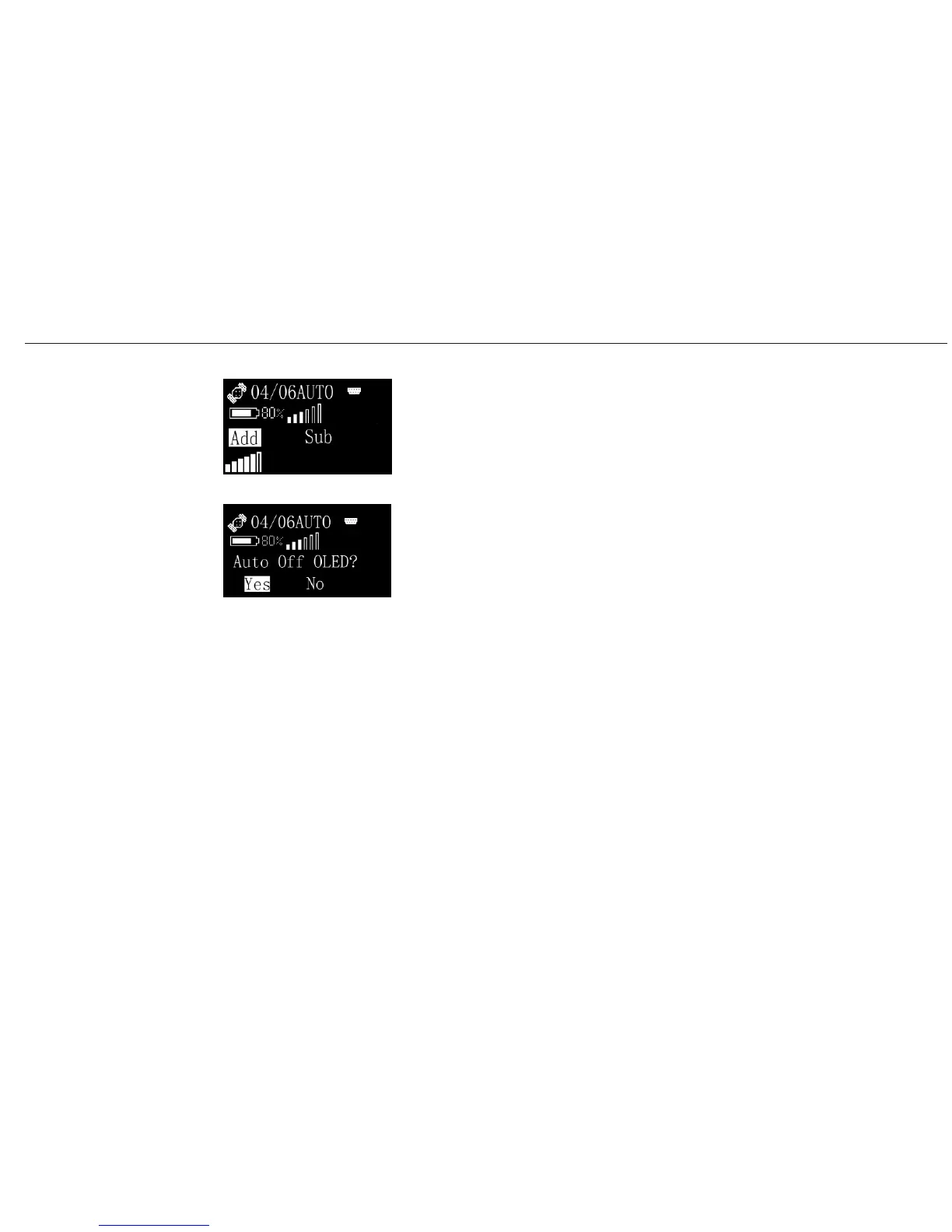
Choose Add or Sub to set the contrast of the screen.
This is power saving mode by choosing OLED, then you would be
asked whether auto off OLED or not. If you choose Yes, the screen
would be Off automatically after 1 minute without affecting your
Operating
Menu (9)
Set/System/Screen/Contrast
Set/System/Screen/OLED
surveying job.
34


 To Next Page