15
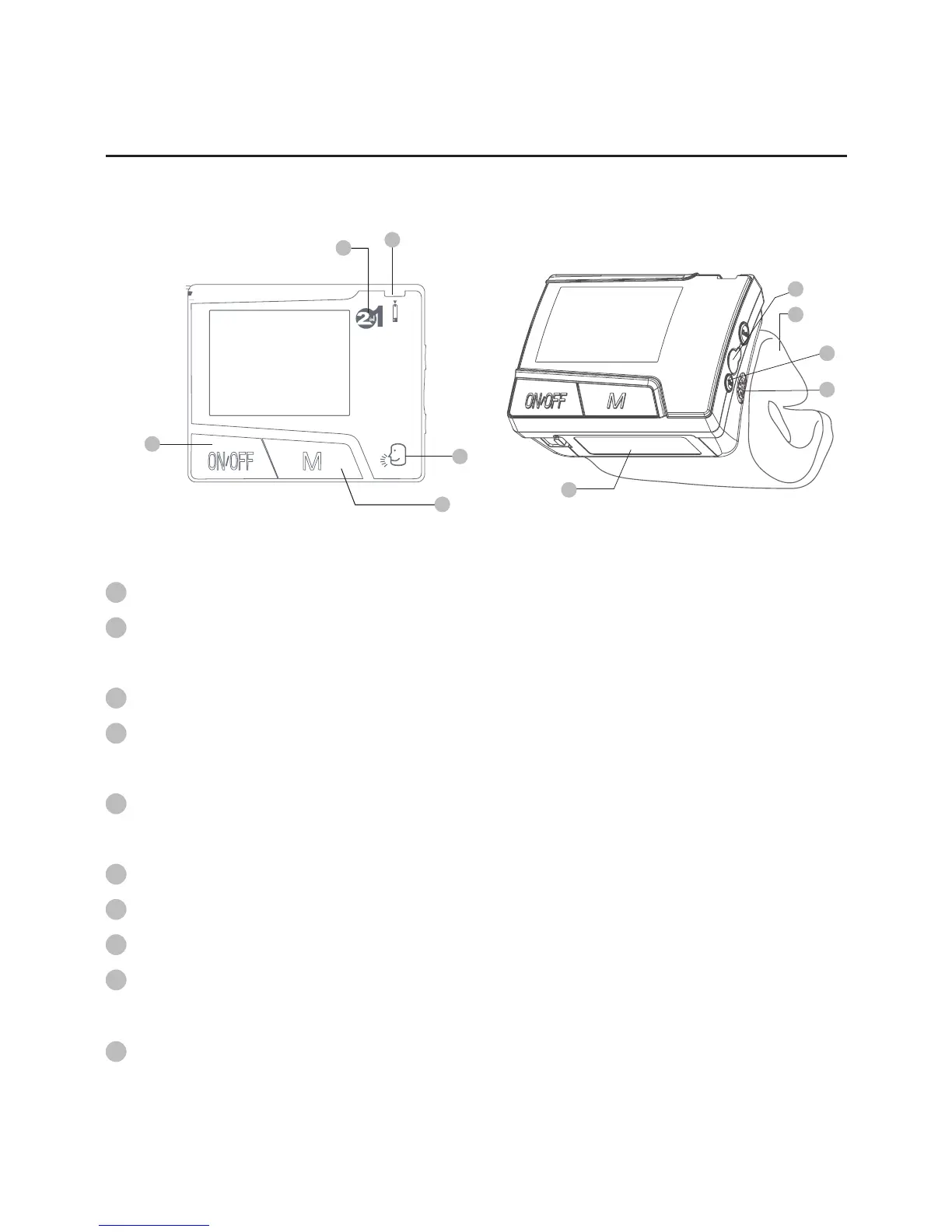
Appearance and Key Function of the Monitor
Test Slot is where you insert test strip.
Talking Symbol indicates that the monitor has speaking
function.
M Button is used to enter memory and assist setting.
ON/OFF Button is a power button for blood pressure
measurement.
2 in 1 Symbol is a 2 in 1 system designed to measure blood
glucose and blood pressure.
Data Port is for cable connection.
Set Button is used to set up monitor.
Speaker is where voice comes from.
Wrist Cuff is used to wrap around wrist when measuring blood
pressure.
Battery Compartment.
1
3
2
5
8
10
4
7
6
9
1
5
3
4
2
10
7
6
9
8



 To Next Page