44
Viewing Results on a Personal Computer
Stored results can be transmitted to a personal computer. Health
Care System Software and an interface cable are required before
installation. This software can be downloaded from the home page
of FORA Care. The interface cable is an optional accessory. Please
contact the Customer Service at 1-888-307-8188, 1-866-469-2632
for help.
To view results on your personal computer:
Step1
Install Software. Install Health Care System Software on your
computer by following the instructions provided on FORA Care’s
website: http://www.foracare.com/usa Users can download the soft-
ware at FORA’s website.
Step2
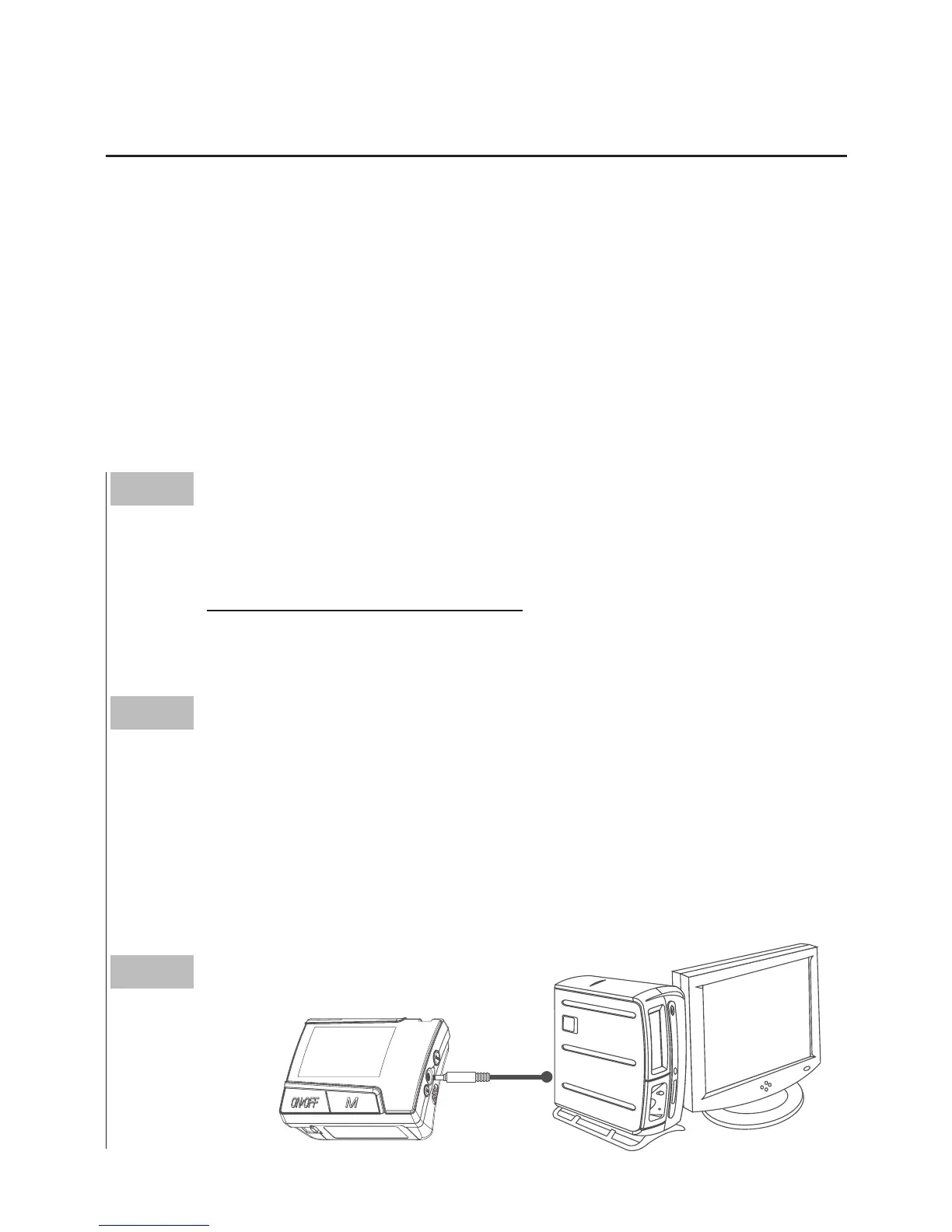
Connect to Personal Computer. Connect the interface cable to a
serial port on the back of your computer. With the monitor turned off,
connect the interface cable to the data port located at the side of the
monitor. “PCL” will appear in the display, indicating that the monitor
is ready for transmitting data.
Step3
Transmit Data.
PCL



 To Next Page