26
Performing a Control Solution Test
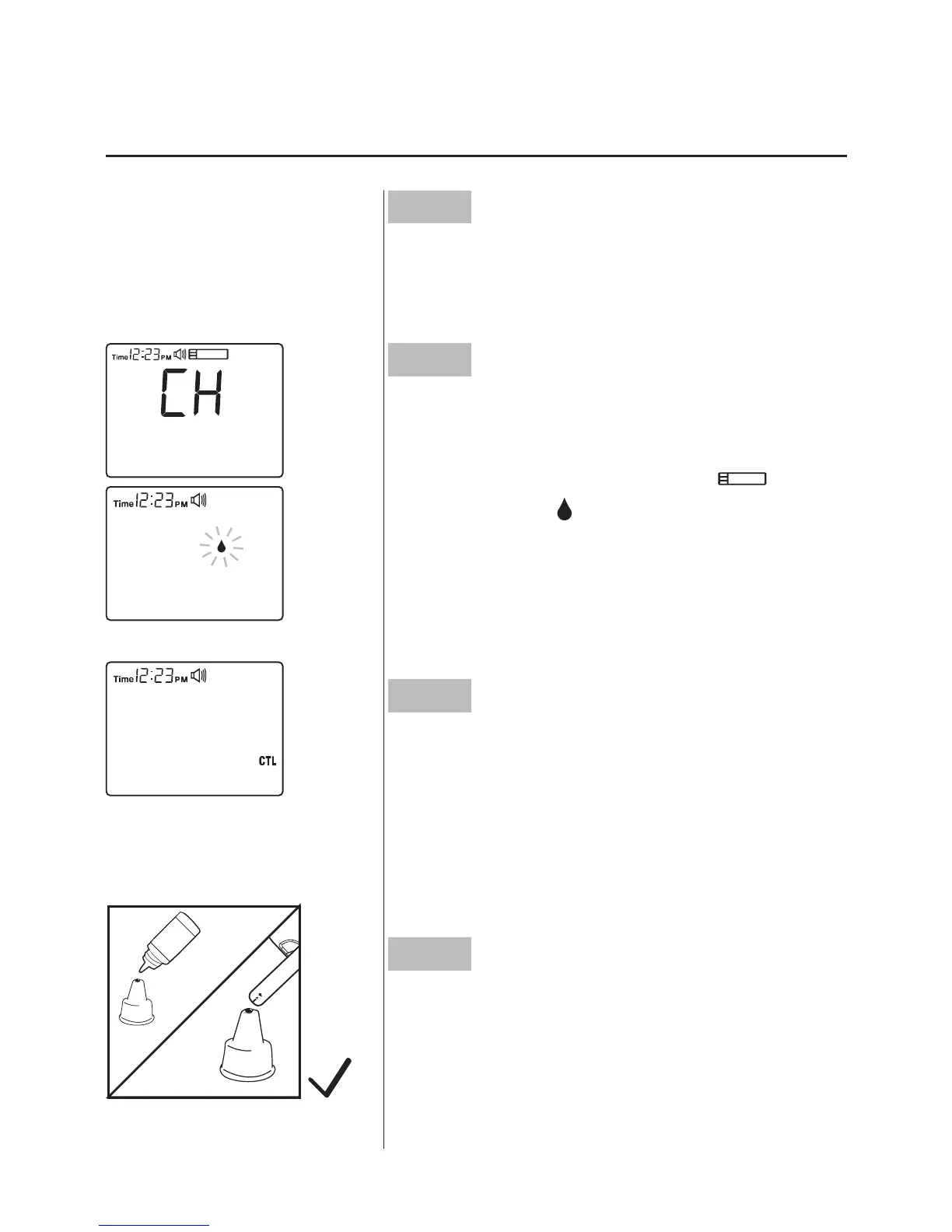
Step1
Take a test strip out with clean, dry
hands rst.
Step2
Insert the Test Strip to Turn On the Me-
ter. Insert the test strip into the meter and
wait for the meter to display “
” and a
blood symbol “
”.
Step3
Press the M button. After blood drop
symbol ashes, press the M button. “CTL”
will appear on the display. With the “CTL”
sign on the display, the monitor will NOT
store your test result in memory.
Step4
Obtain control solution. Shake the con-
trol solution vial well. Remove the cap.
Squeeze the vial, discard the rst drop,
and wipe off the dispenser tip to prevent
contamination. Squeeze the vial again to



 To Next Page