32
Please remember:
The monitor will be auto-shut down after 3 minutes without action.
To restart the test procedure, remove the test strip and insert it back
again.
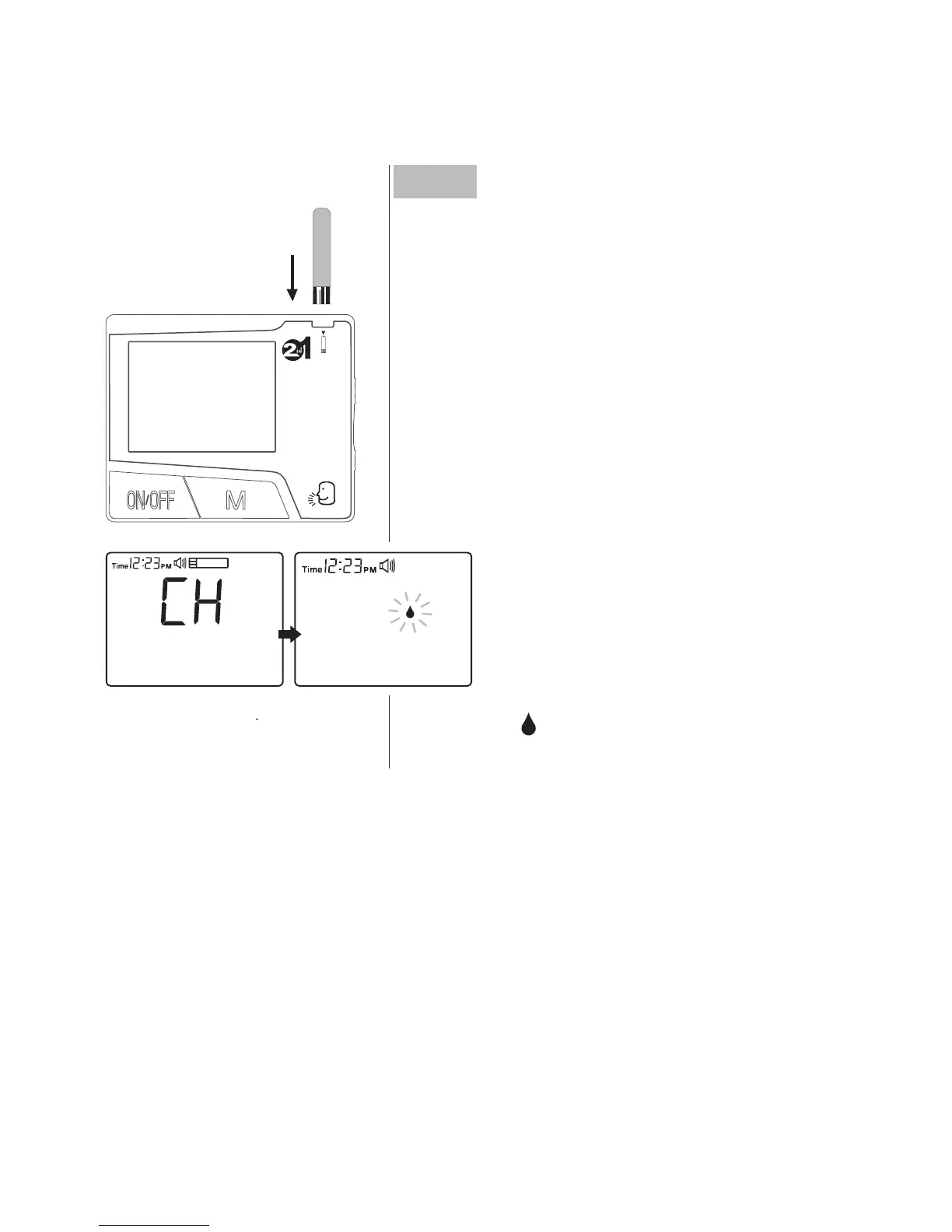
Step1 Insert the test strip
Take a test strip out with clean and dry
hands.
Insert test strip face up with contact bars
end rst into the test slot. The monitor will
turn on automatically. The LCD screen will
display the sequences shown below.
A ashing “ ” will be displayed for 3 min-
utes until the drop of blood is applied.



 To Next Page