EasyManua.ls Logo

ForaCare 6 Connect - Q37. How do FORA BGMs transmit data and manage media?

Default Icon
35 pages
Print Icon
To Previous Page IconTo Previous Page

Loading...
Back to Top 35
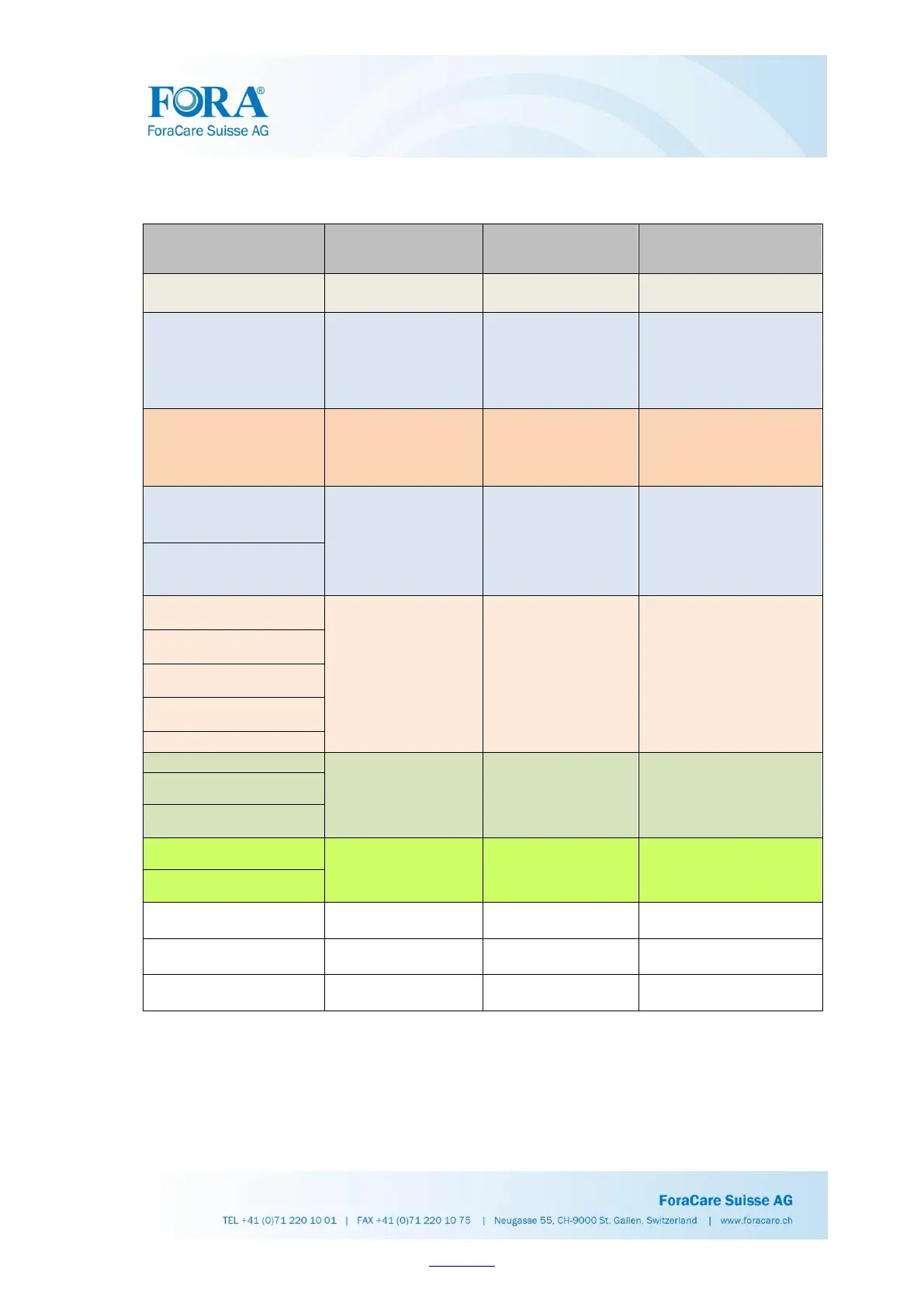
Q37. How do FORA BGMs transmit data and manage media?
BGM Product
Name
Data Connection
Method
Transmission
Tools
The Media to
Manage the Data
FORA 6 Gtel (GD84)
GPRS (3G/4G)
Sim Enabled (3G/4G)
TeleHealth System
FORA 6 Plus (GD81)
Cable
Strip_Port_Comm to
USB Cable
1. Healthcare Software
2. iFORA HM
iFORA BG
iFORA MP
TeleHealth System
FORA 6 Connect (GD82)
Bluetooth
Built-in Bluetooth
iFORA HM
iFORA BG
iFORA MP
TeleHealth system
Diamond GD50 (GD50a)
Cable
RS-232 to USB cable
1. Healthcare Software
2. iFORA BG
iFORA MP
iFORA HM
TeleHealth System
COMFORT plus (G30a)
Diamond VOICE (DM20b)
Bluetooth
Built-in Bluetooth
iFORA BG
iFORA MP
iFORA HM
Healthcare Software
TeleHealth System
*Diamond MINI (DM30b)
ADVANCED Pro (GD40h)
COMFORT Pro (GD40b)
Diamond GD50 (GD50b)
Diamond PRIMA (DM10)
Cable
Micro-USB
Healthcare Software
TeleHealth System
Diamond VOICE (DM20a)
Diamond MINI (DM30a)
ADVANCED Pro (GD40g)
Cable
RS-232 to USB cable
Healthcare Software
TeleHealth System
COMFORT Pro (GD40a)
COMFORT plus mini
(G71a)
N/A
N/A
N/A
COMFORT basic G20
(G20)
N/A
N/A
N/A
COMFORT check G40
(G40)
N/A
N/A
N/A
* The USB port on the DM30b meter can only be used for battery recharge. It does not have the
function of data transmission.

Table of Contents

Related product manuals