14
Step 3
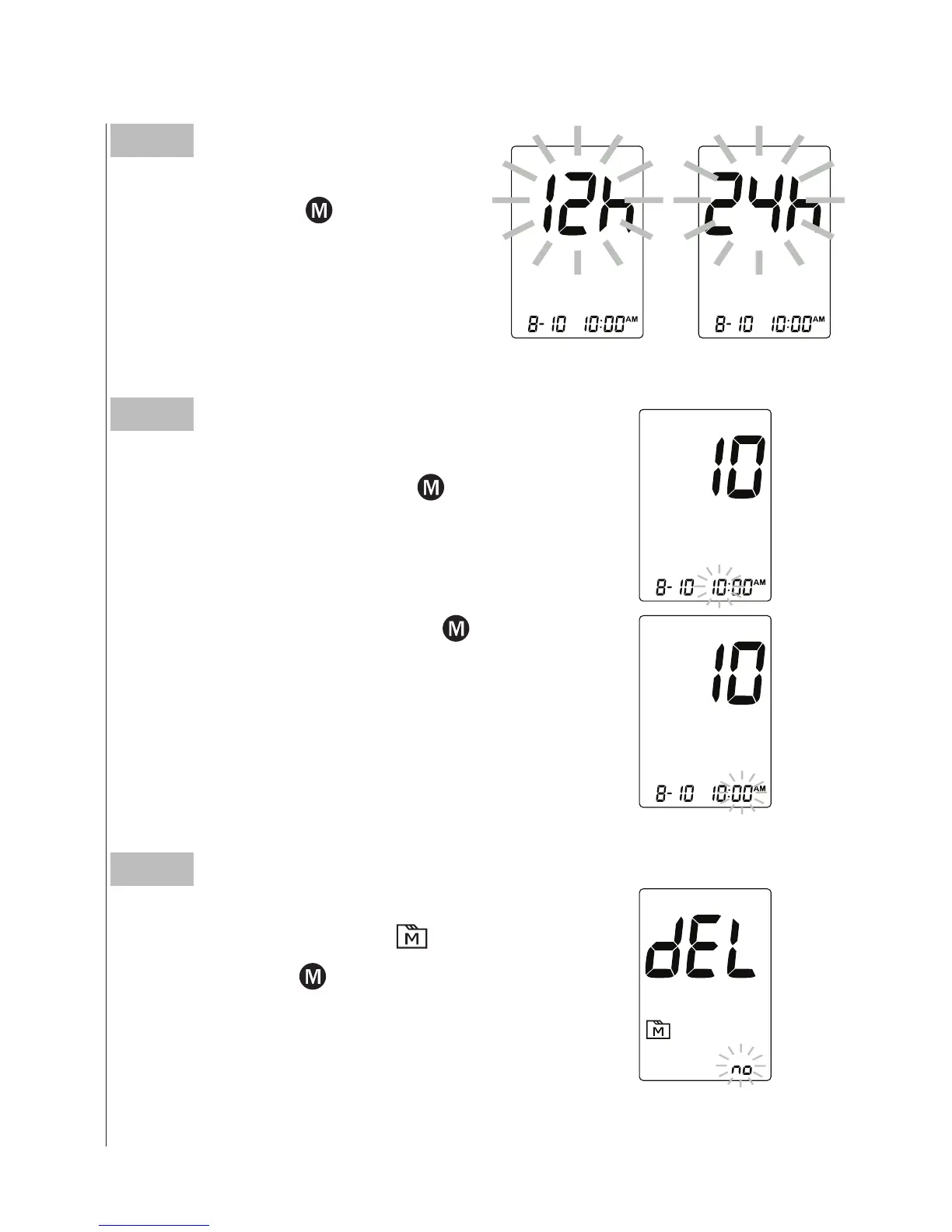
Setting the time
With the hour flashing, press
until the
correct hour appears. Press SET button.
With the minute flashing, press
until the
correct minute appears. Press SET button.
Step 4
Deleting the memory
With “dEL” and a flashing “
” symbol on
the display, press
and select “No” to keep
the results in memory then press SET to
skip
.
Step 2
Setting the time format
Press and release
to select the
desired time format --- 12h or 24h.
Press SET button.



 To Next Page