15
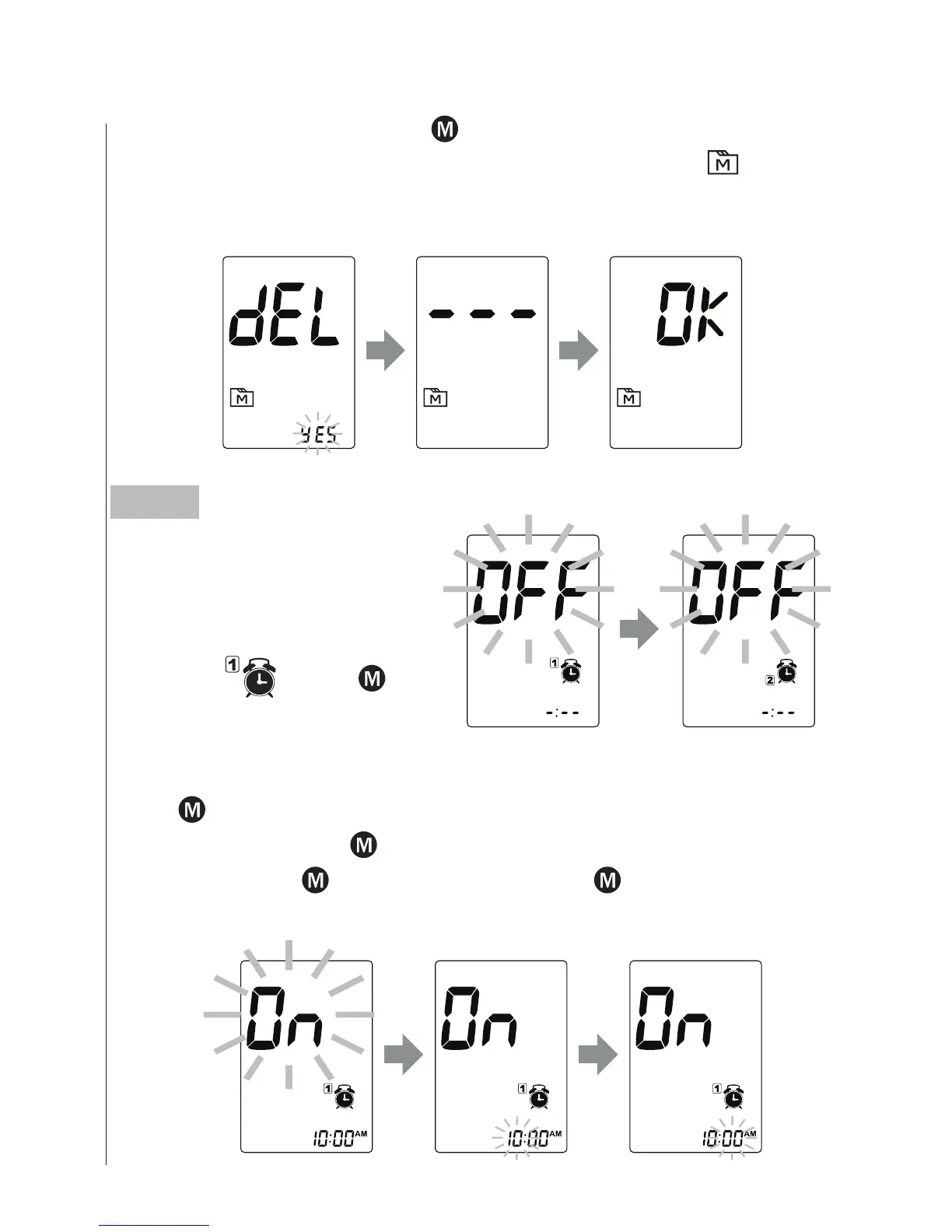
To delete all the results, press . and select “Yes” to delete the
results in memory, then press SET to confirm. “OK” and “
” are
displayed on the meter, which indicates that all data stored is deleted.
Press to select “On”, then press SET to set the hour. When the
hour is flashing, press
to add an hour. Press SET to confirm and go
to minutes, press
to add one minute. Hold longer to add faster.
Press SET to confirm and go to the next alarm setting.
Step 5
Setting the reminder alarm
You may set up any or all of
the reminder alarms (1-4).
The meter displays “On” or
“OFF” and
, press to
turn on or turn off to set the
first reminder alarm.



 To Next Page