The soft stop function is enabled by default
,Whether it is an external device
or a remote control, the soft stop function
is implemented during operation.
means: Soft stop function is off
3.1 means soft-stop will low-down the
speed to 30% in 0.75 second,then stop the
door
3.2 means soft-stop will low-down the
speed to 40% in 0.75 second, then stop
the door.
3.3 means soft-stop will low-down the
speed to 50% in 0.75 second, then stop
the door.
3.4 means soft-stop will low-down the
speed to 60% in 0.75 second, then stop
the door.
Press and hold SET button for
about 6 seconds to enter main
menu until “0.-” appears on the
display then release the button.
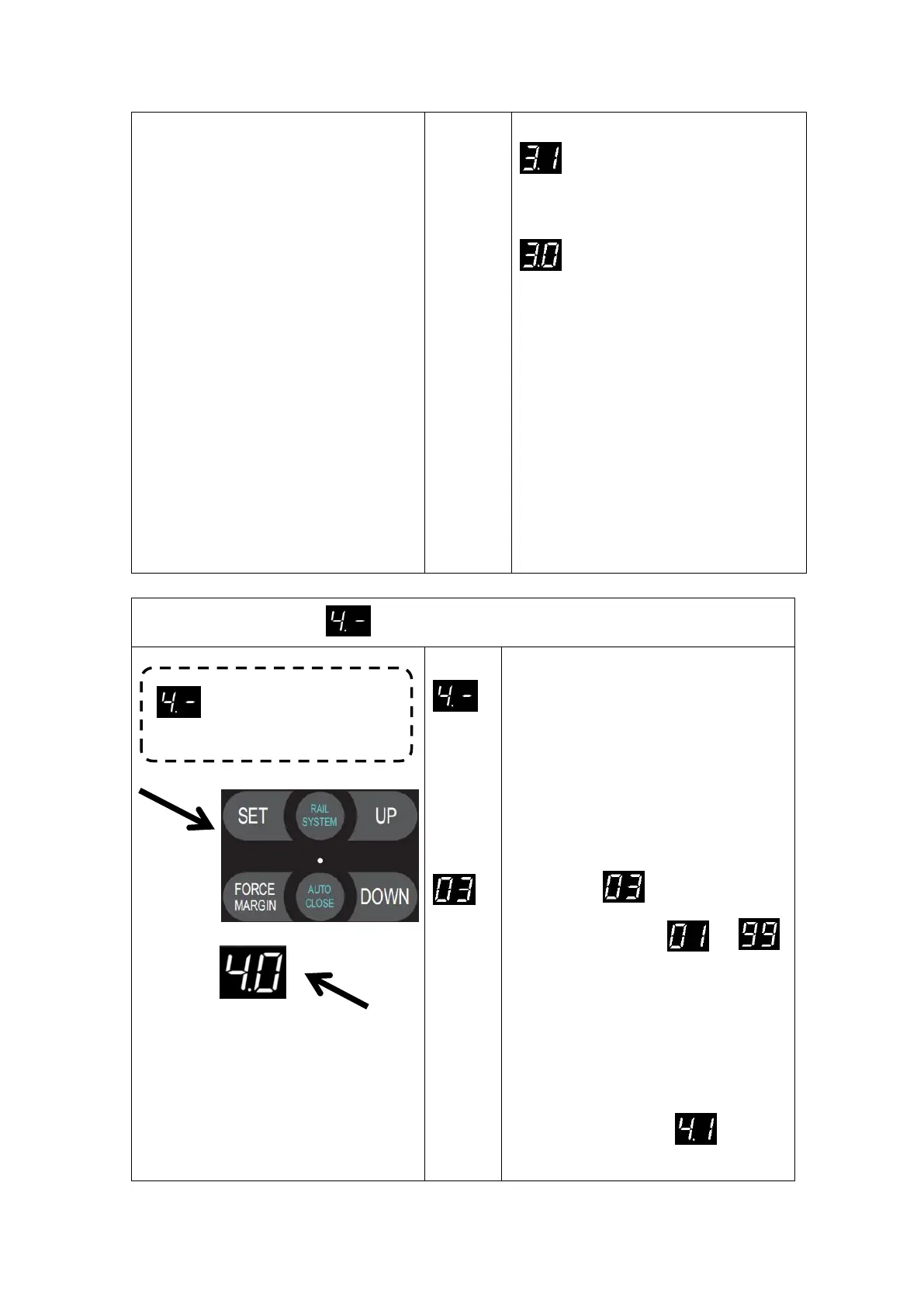
Press UP till “4.-” appears on the
display.
Press SET enter into the AUTO
CLOSE time and condition setting
Press SET again to enter, the digital
displays (default)
Adjust the stalls from to
by buttons UP/DOWN,5 seconds per stall
AUTO CLOSE time calculation method is
5S*N, N=01
—
99.
The maximum AUTO CLOSE time is
495S, press the SET button to store the
required AUTO CLOSE time setting, then
the digital tube displays (default)
which means that it has entered the AUTO


 To Next Page