Execute ONLY OPEN the door
action. No matter where the motor is and
what state is triggered, the motor will
perform ONLY OPEN action (Including
radar, infrared sensors trigger)
Execute PARTIAL OPEN the door
function. Refer to
Execute Community function.
Means:
Execute ONLY OPEN the door action
during the door closing process
But during the door opening process,
it will not execute OPEN the door
action, even though the motor is
triggered
Execute OPEN-STOP-CLOSE the
door action. Single-cycle function
(default)
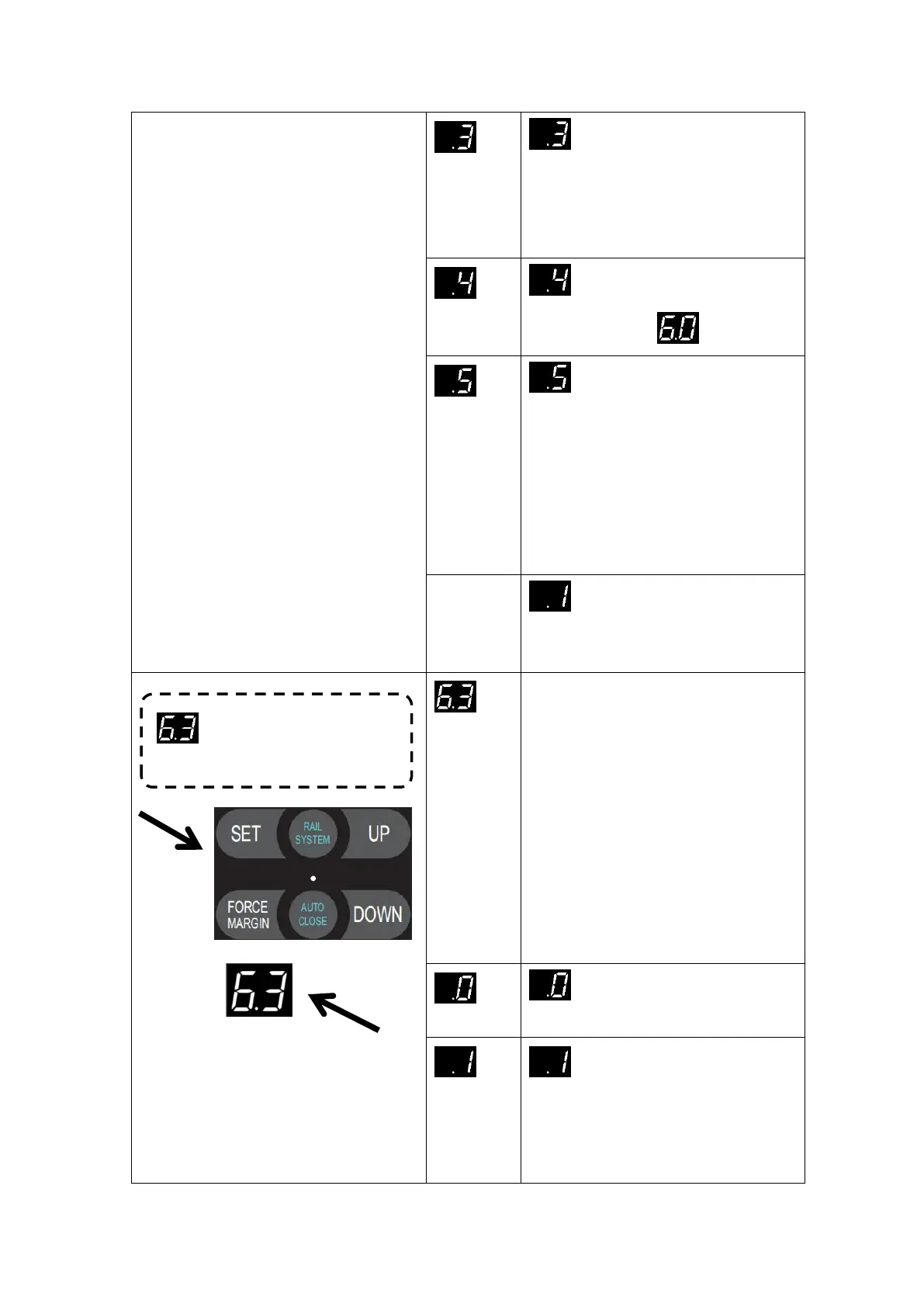
Press and hold SET button for
about 6 seconds to enter main
menu until “0.-” appears on the
display then release the button.
Press UP till “6.-” appears on
the display.
Press SET then appears “6.0” on
the display
Press UP till “6.3” appears on the
display.
Press SET enter into the
Electronic lock function setting.
Electronic lock function is off
(default)
Electronic lock function is enabled:
1 second after the door drive runs to the
close limit position, the electronic lock
is powered on, the bolt is pushed out,


 To Next Page