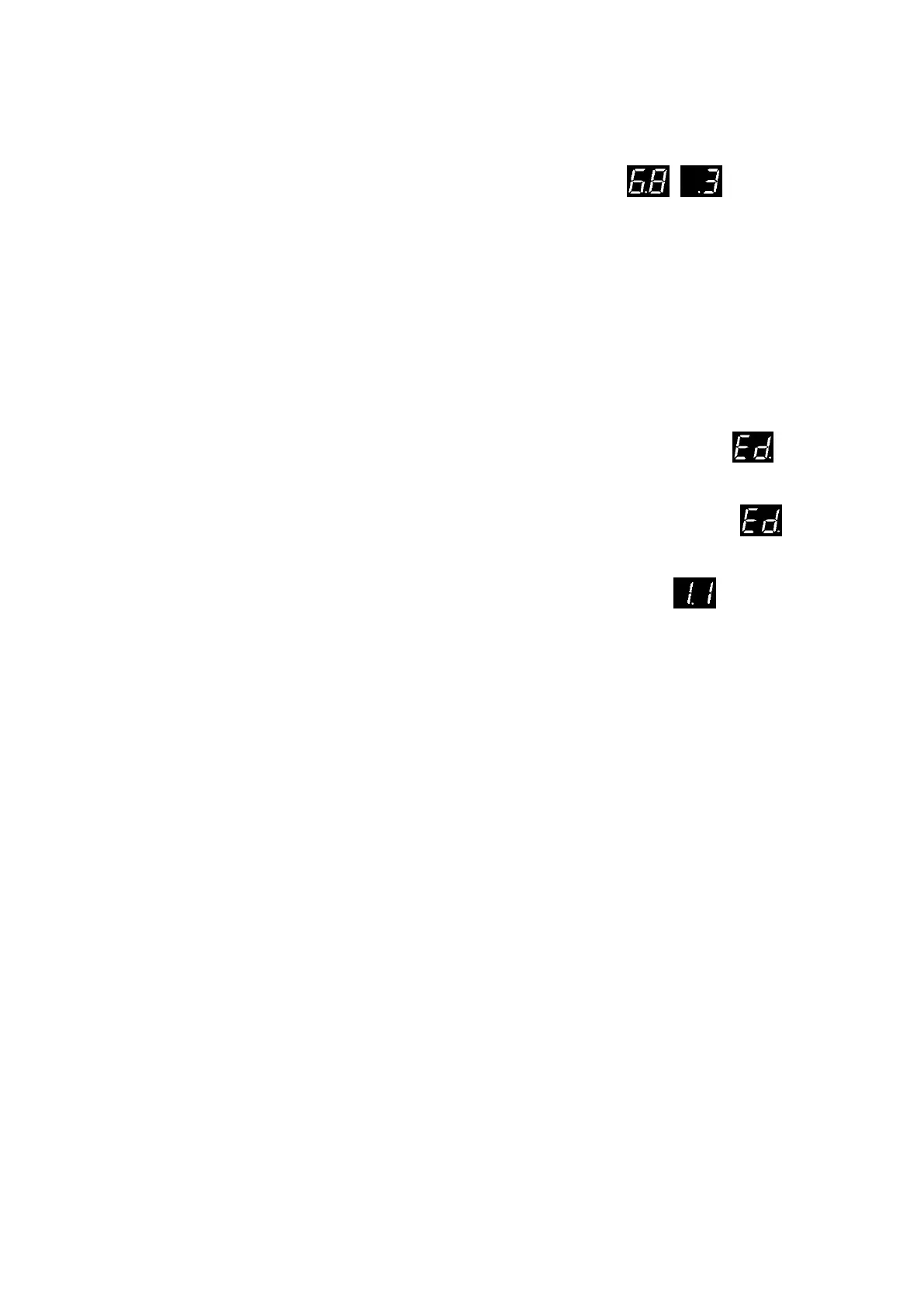
DW (Air pressure switch) self-test instruction
● Correctly installed the Air Pressure Switch and then enter the menu / to enable
the DW function.
● (DW self-test successfully)
Short press the “DOWN” button to close the door. The air pressure switch self-test is performed
automatically when the door is closed to the closing limit position. If the air pressure switch
(DW) is triggered during the door closing process, the door will be automatic reverse, which
means the DW self-test is successfully.
● (DW self-test failed)
Short press the “DOWN” button to close the door. The air pressure switch self-test is performed
automatically when the door is closed to the closing limit position. If the air pressure switch
(DW) is NOT triggered during the door closing process, and the display shows faulty ,
which means the DW self-test is failed. Then the dead man mode will be enabled automatically
during the next door closing operation. Check the air switch device (Refer to faulty
description page) to fix the issues and repeat the above self-test operation until it’s succeed.
Remark: Fine adjust the pre-close limit position for DW, refer to the menu


 To Next Page