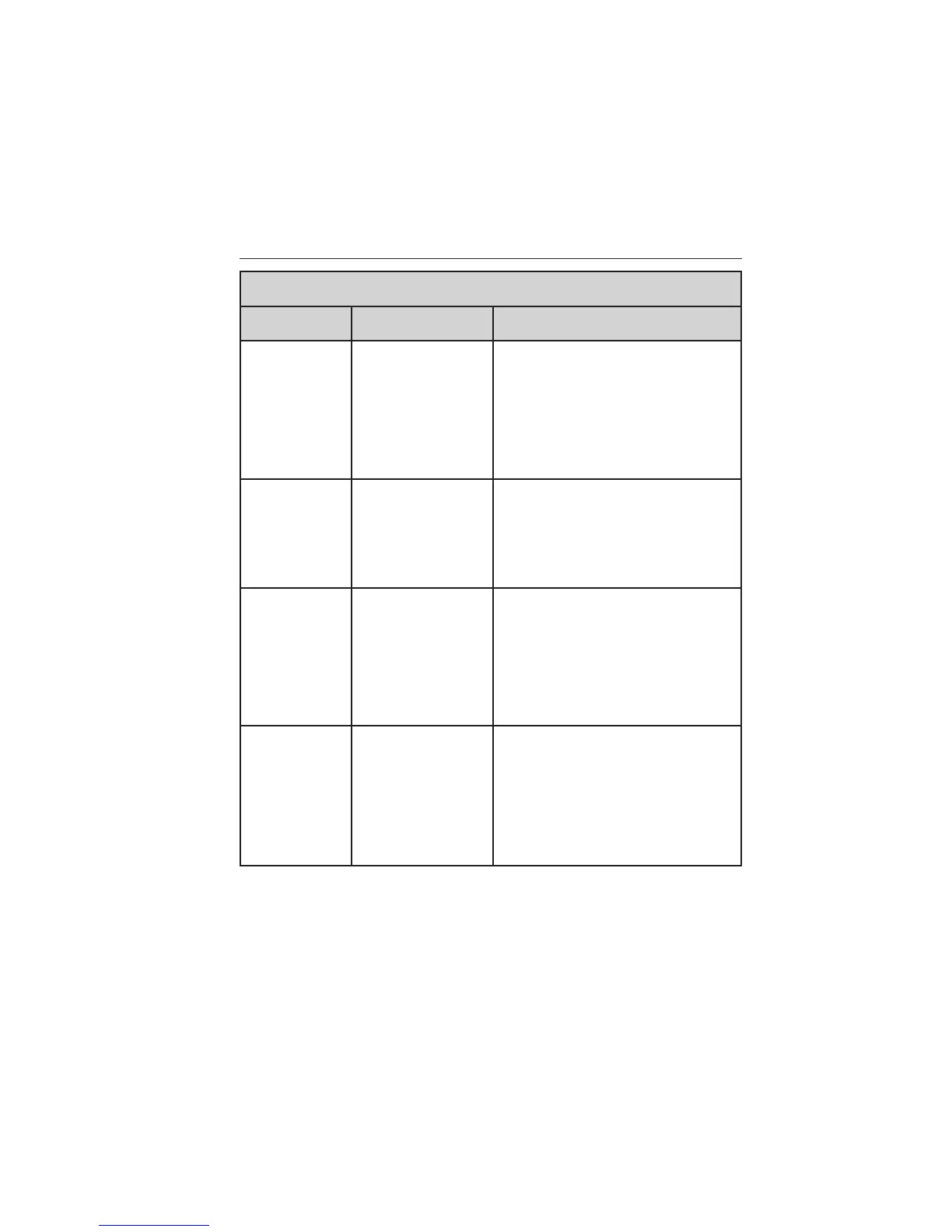
Vehicle Health Report/Services
(Traffic, Directions and Information) Issues
Issue Possible
Cause(s)
Possible Solution(s)
I received a
text that the
Vehicle Health
Report is not
activated.
• Your account
may not be
activated on the
website, OR
• You may have
the wrong VIN
(vehicle
identification
number) listed.
• This is a free feature, but you
must first register online to use it.
• Make sure that your VIN is
correctly listed in your account.
I am unable to
retrieve the
report on the
website, or I
receive a
system error.
The preferred
dealer information
did not load
correctly.
When you register your account,
you must list a preferred dealer. If
one is already listed, try selecting
another dealer and logging out.
Log back in and change it back to
your preferred dealer and retrieve
the report.
I am unable to
submit a
report.
• This could be
due to your
phone’s
compatibility, OR
• Bad signal
strength, OR
• Your phone may
not be activated on
the website.
• Update your mobile number in
your account on the website.
• Make sure you have full signal
strength and that your Bluetooth
volume level has been turned up.
• Try deleting your phone and
performing a clean pairing.
I heard a
commercial
when I tried
to use Traffic,
Directions and
Information.
• The phone in
use is not
activated, OR
• Your phone has
ID blocker active.
• This is a free feature, but you
must first register online to use it.
• Turn off ID blocker on your
phone as the system recognizes
you by your phone number.
• Make sure the currently
connected phone is the same
one that is registered on your
SyncMyRide account.
434 SYNC®
2013 Taurus
Owners Guide gf, 3rd Printing, December 2012
USA (fus)







 To Next Page