To reset the steering column to its normal stopping position:
1. Press the steering column control again after encountering the new
stopping position.
2. Continue pressing the control until it reaches the end of the column
position.
A new stopping position will be set. The steering column will stop just
short of the end of the column position the next time it is tilted or
telescoped.
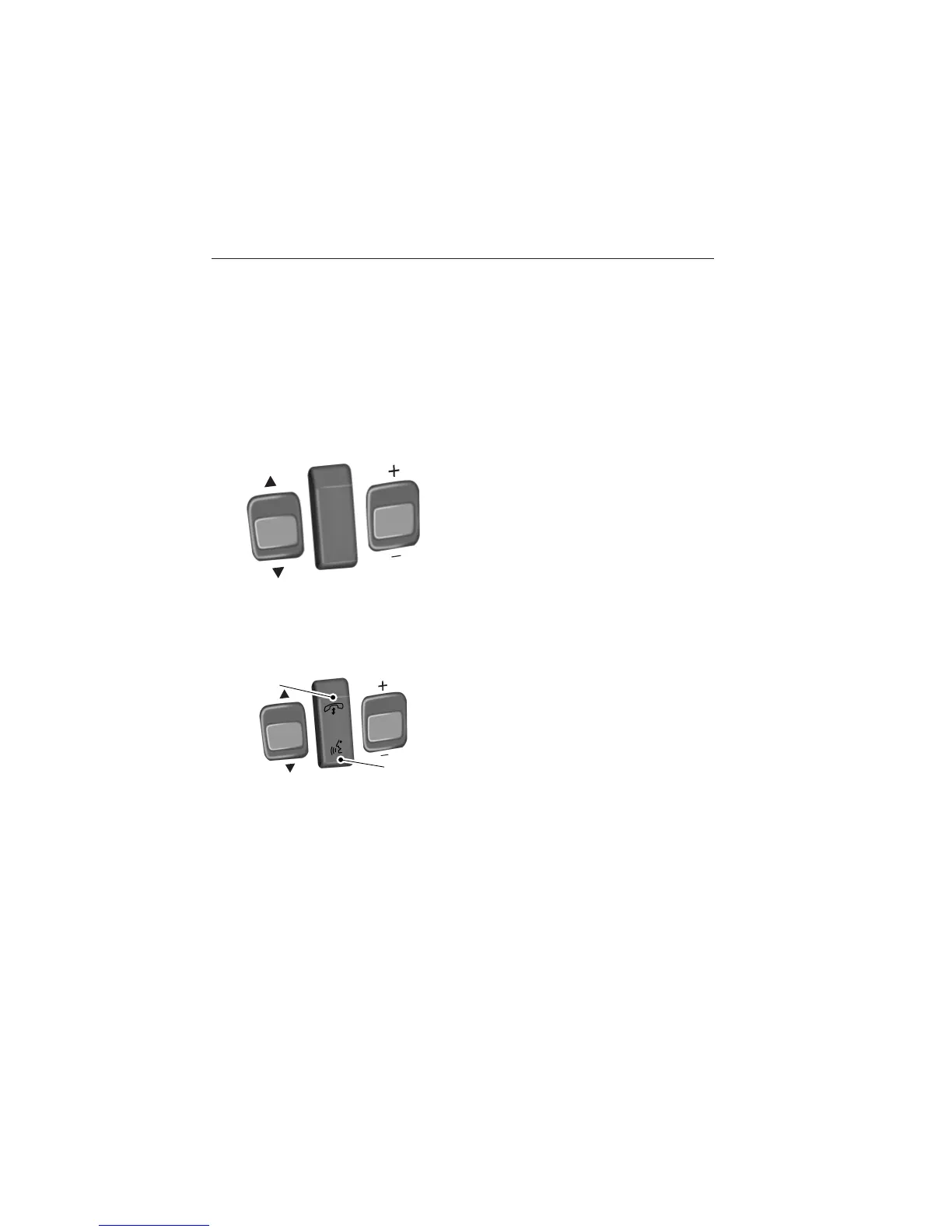
AUDIO CONTROL
SEEK: Press to select the next or
previous stored preset or track.
Press and hold to select the next or
previous frequency or seek through
a track.
MEDIA: Press repeatedly to scroll
through available audio modes.
MUTE: Press to silence the radio.
VOL (Volume): Press to increase or decrease the volume.
VOICE CONTROL (IF EQUIPPED)
A. Phone mode
B. Voice recognition
See the SYNC or MyFord Touch chapter.
SEEK
M
E
D
IA
M
U
T
E
V
O
L
S
E
E
K
VOL
A
B
Steering Wheel 85
2013 Taurus
Owners Guide gf, 3rd Printing, December 2012
USA (fus)















 To Next Page