The high beams will switch off if:
• An approaching vehicle’s headlights or a preceding vehicle’s tail lamps
are detected.
• The vehicle speed falls below 19 mph (30 km/h).
• The ambient light level is high enough that high beams are not
needed.
• Severe rain, snow or fog is detected.
• The camera is blocked.
Activating the system
Switch the system on within the information display. See Information
displays.
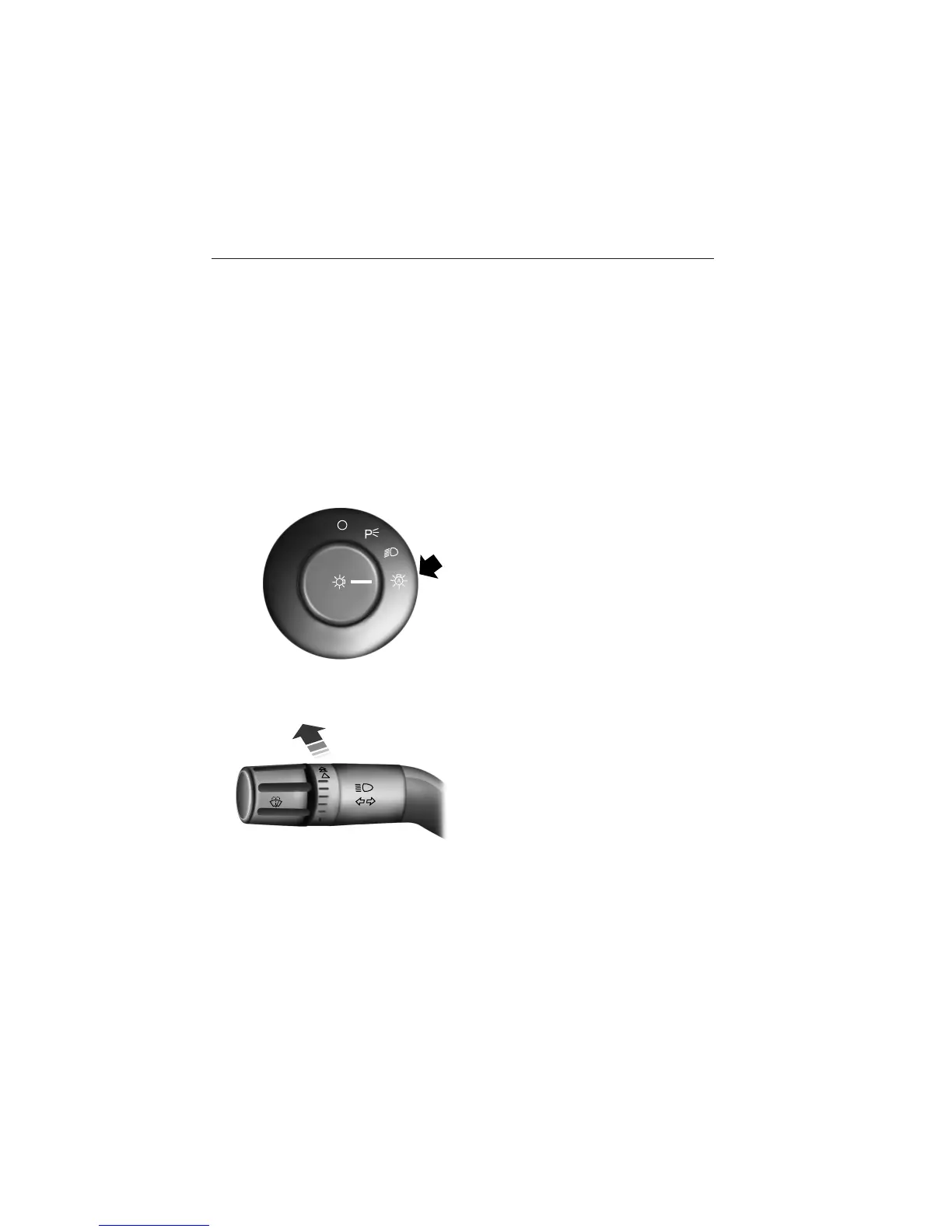
Turn the lighting control to the
autolamps position.
Manually overriding the system
When the automatic control has
activated high beams, pushing or
pulling the stalk will provide a
temporary override to low beam.
To permanently deactivate the system use the information display menu
or turn the lighting control switch from autolamps to headlamps.
Lighting 95
2013 Taurus
Owners Guide gf, 3rd Printing, December 2012
USA (fus)














 To Next Page