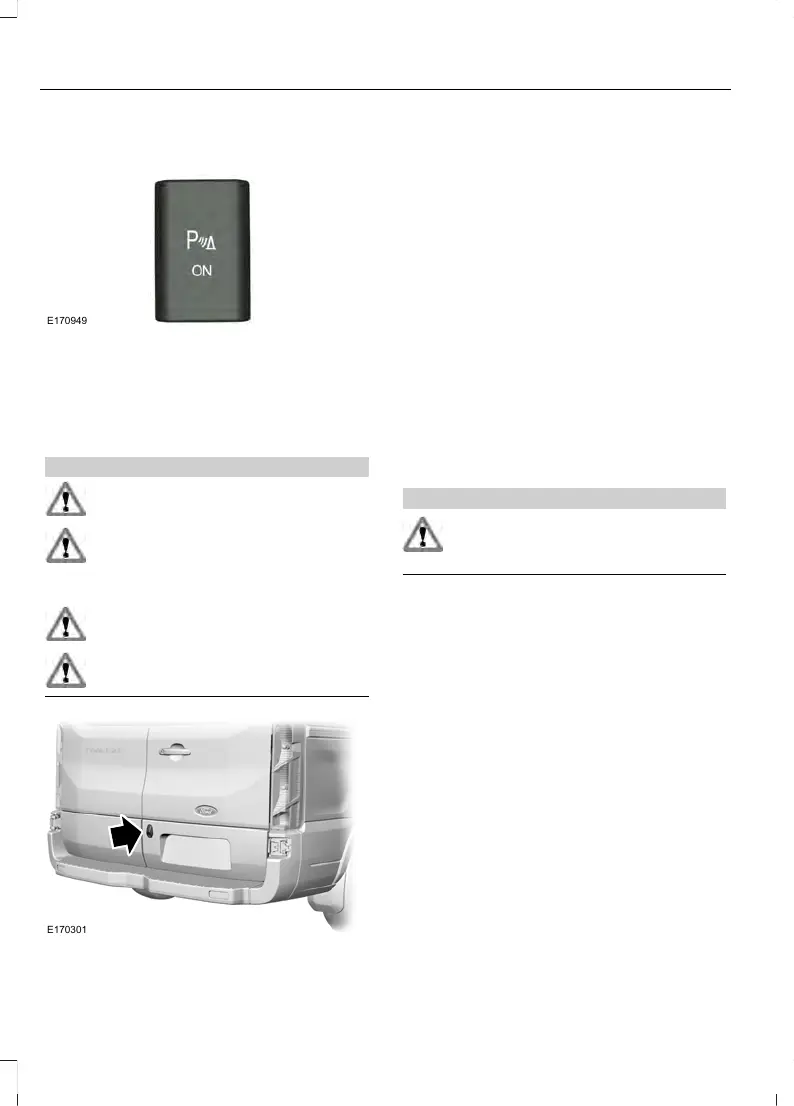
Press the button to switch the system off.
The system remains off until you switch
the ignition off.
REAR VIEW CAMERA
WARNINGS
Objects in the display are closer than
they appear.
The operation of the camera may
vary depending on the ambient
temperature, vehicle and road
conditions.
Do not place objects in front of the
camera.
The camera may not detect objects
that are very close to your vehicle.
The camera is on the rear cargo door.
Switching the Rear View Camera
On
Switch the ignition on and shift into reverse
(R). The image will display in the interior
mirror or in the information and
entertainment display.
The camera may not operate correctly in
any of the following conditions:
• Dark areas.
• Intense light areas.
• If there is a sudden change to the
ambient temperature.
• If the camera is wet.
• If the camera is dirty.
• If the camera is obstructed.
Using the Display
WARNING
Objects above the camera may not
be visible. Check the area behind
your vehicle when necessary.
The lines show a projected vehicle path
and the approximate distance from the
rear bumper to an object.
Distance markers are only a guide and are
calculated for unloaded vehicles on an
even road surface.
108
Transit (TTG) Vehicles Built From: 05-07-2014, Australia, EK3J-19A321-BDA (CG3612enAUS) enAUS, Edition date: 06/2014, First Printing
Parking Aids













 To Next Page