3
US
ING YOUR LUNA
™
LUNA
TM
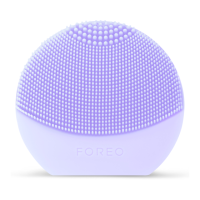
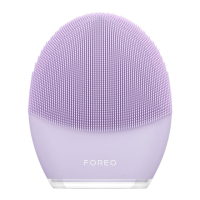
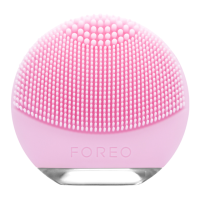
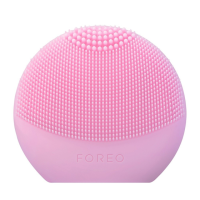
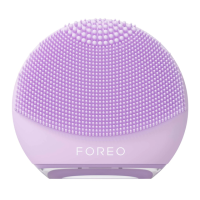
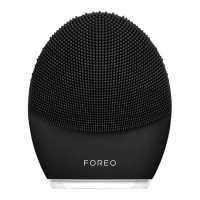
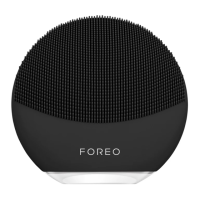
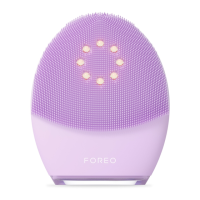
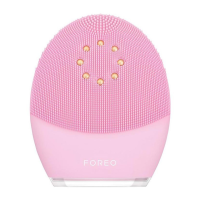
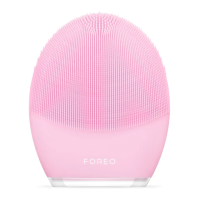
is available in 3 different models, each with a cleansing brush that suits sensitive/normal,
combination or ultra-sensitive skin. To maximize the skincare benefits of the LUNA
TM
, we suggest you use it
for 2 minutes each morning and evening.
MODE SELECT
1. Press the universal button once to turn on your LUNA
TM
.
When activated, it will be in Cleansing Mode.
2. Press the universal button again to put the device on Standby (on Standby, the indicator will emit a
steady glow and the pulsations will stop, giving you the chance to rinse your face).
3. Press the center button a third time to activate the Firming Massage Mode.
4. Press the center button once more to deactivate your LUNA
TM
.
The i
ntensities of LUNA
TM
’s Cleansing and Firming Massaging Modes are adjustable for comfort using the
+/– buttons, with a memory function that will remember your preferences for the next time the device is
used.
The individual stages of FOREO’s cleansing and anti-aging routines are described below. After each stage
of these routines, you will feel the T-Sonic
TM
pulsations momentarily pause and see the indicator light flash,
prompting you to move on to the next area of your face.
NOTE: LUNA
TM
may be locked when first unboxed – unlock it by holding down the + and – buttons
together. The light will flash to indicate that your device is unlocked. Should you wish to lock your device
for travel convenience, follow the same procedure.


 To Next Page