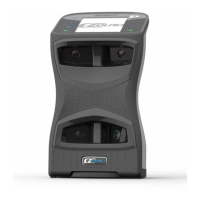
Ball Placement and Hitting
Ball Placement
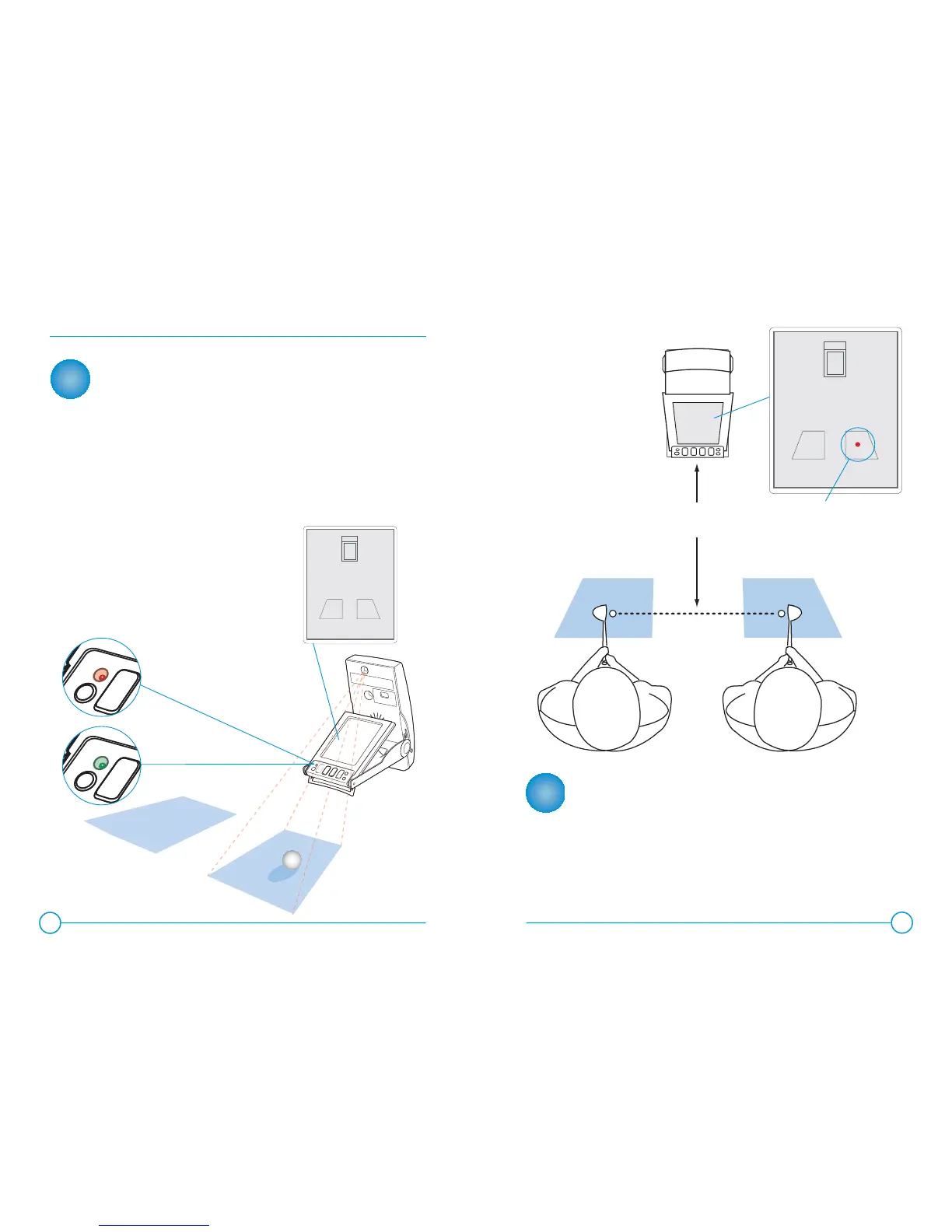
The GC2’s on-screen placement aid displays the hitting zone
relative to the GC2. The ball must be placed within this hitting
zone to correctly track the ball in fl ight. The display will also
show the position of the ball if there is a ball in the camera’s
fi eld of view. The LED indicator will blink red if there is no ball
within the hitting zone, or if a ball is not being identifi ed within
the hitting zone.
When the ball is properly placed
within the hitting zone, the LED
indicator turns green and the
launch monitor is ready for a
shot to be hit.
Hitting a Shot
Once the ball is placed within the hitting zone and the LED
indicator has turned green, a shot may be hit. Upon launch,
the GC2 will capture images of the ball in fl ight, calculate and
display the launch parameters. If sound is enabled, the launch
parameters will also be announced audibly.
8
9
20”
LEFT HANDED ZONE RIGHT HANDED ZONE
GC2
1
2
FLASHING RED LED
indicates no ball or
ball out of hitting zone.
Ball placement will be
indicated with a solid circle
on the screen.
SOLID GREEN LED
indicates ball inside
of hitting zone.
LOOKING FOR A BALL
GC2
Ball-fi nd display on LCD
LOOKING FOR A BALL
GC2
Ball-fi nd display on LCD

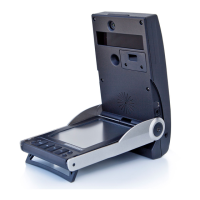

 To Next Page