7
DE
FR
IT
EE
GR
ES
PL
CZ
SK
RU
LT
BG
RO
HU
LV
EN
NL
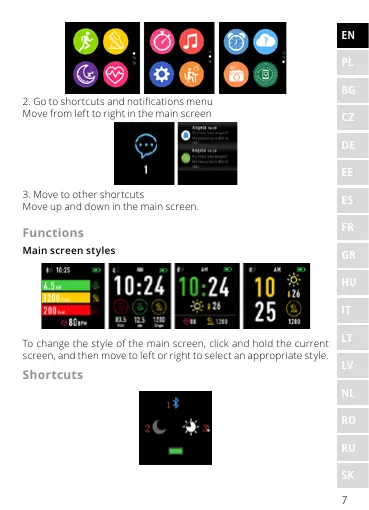
2. Go to shortcuts and notications menu
Move from left to right in the main screen
3. Move to other shortcuts
Move up and down in the main screen.
Functions
Main screen styles
To change the style of the main screen, click and hold the current
screen, and then move to left or right to select an appropriate style.
Shortcuts












 To Next Page