8
DE
FR
IT
EE
GR
ES
PL
CZ
SK
RU
LT
BG
RO
HU
LV
EN
NL
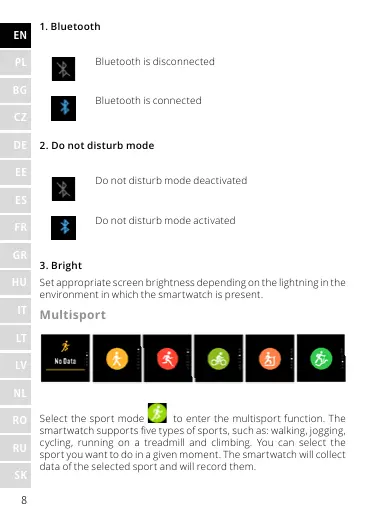
1. Bluetooth
Bluetooth is disconnected
Bluetooth is connected
2. Do not disturb mode
Do not disturb mode deactivated
Do not disturb mode activated
3. Bright
Set appropriate screen brightness depending on the lightning in the
environment in which the smartwatch is present.
Multisport
Select the sport mode to enter the multisport function. The
smartwatch supports ve types of sports, such as: walking, jogging,
cycling, running on a treadmill and climbing. You can select the
sport you want to do in a given moment. The smartwatch will collect
data of the selected sport and will record them.










 To Next Page