9
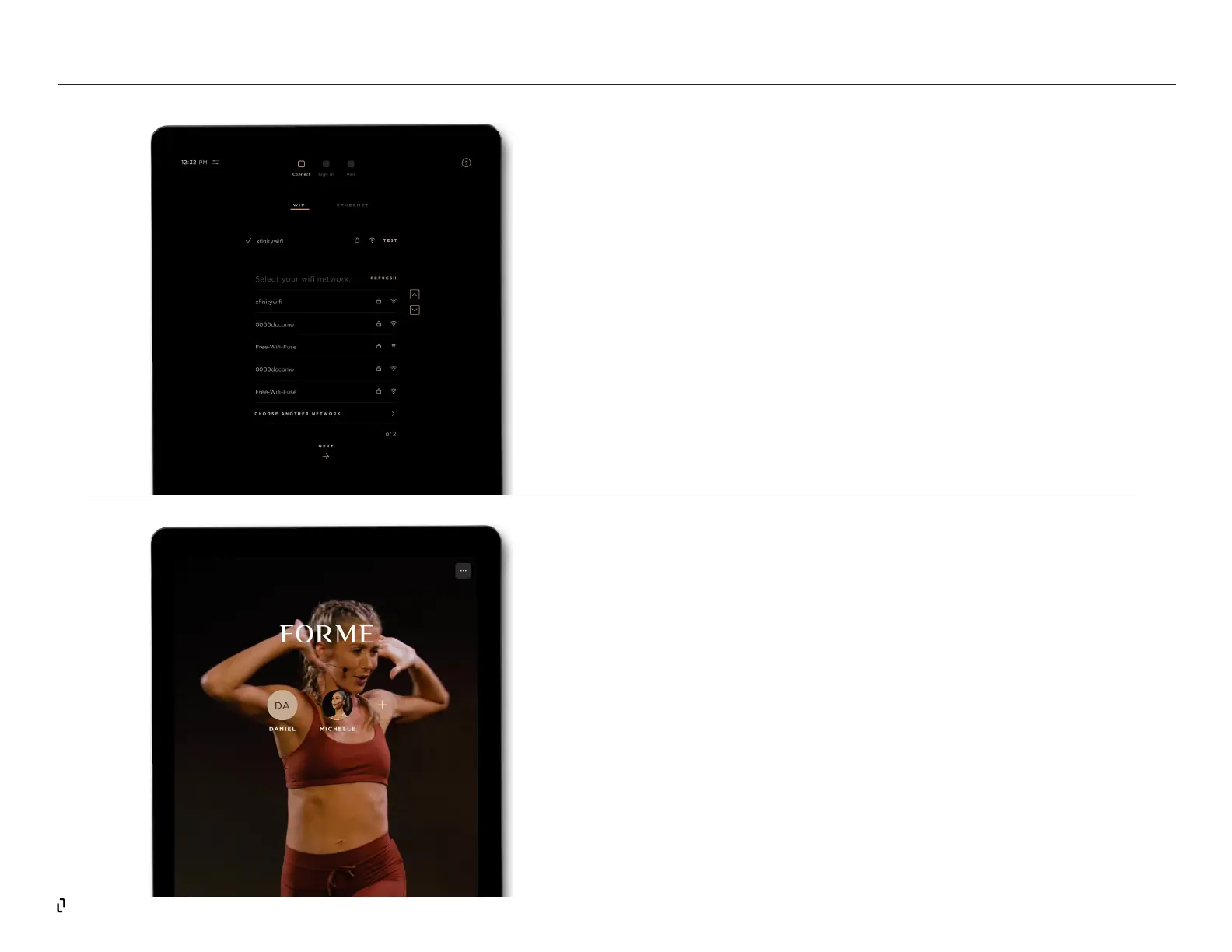
CONNECT TO WIFI OR ETHERNET
A strong WiFi or ethernet connection is required for your Studio.
If you are using an ethernet cable, it can be plugged into the
port next to where the installer power switch is located at the
bottom rear of the Studio.If you are using WiFi, we recommend
a download speed of 50 Mbps with a minimum of 25 Mbps.
SIGNING IN
Use the same email address and password that you used
on the app setup sign in. You can add users from your
household by tapping the ellipsis (three dots) on the top
right corner of the Studio screen, then tapping Proles. Tap
Manage Members on the Proles page. All users must create
their own account prole on the web app before signing into
the Studio for the rst time.
STUDIO | Getting Started



 To Next Page