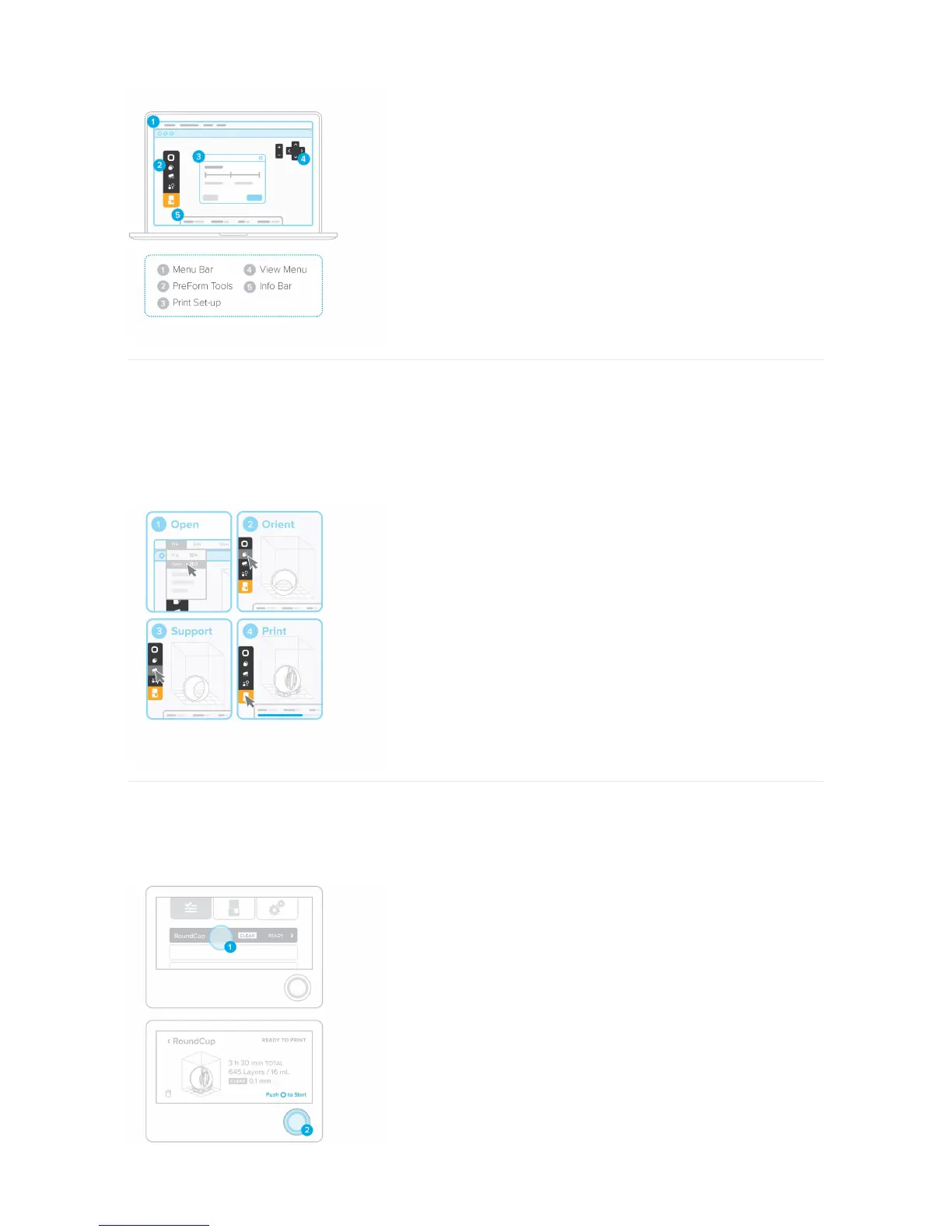
9. Prepare File for Print
Open your .STL or .OBJ files. Most parts print better when support at an angle. For automatic set-up, use PreForm tools to “orient all,” “generate all,” and “layout all.” PreForm
will do these steps in sequence if you select “One Click Print.”
Confirm your print's material and layer height, then click the orange print icon. Select which printer to upload the file to from the printer dialogue.
10. Confirm Print on Printer
You will see your file uploading to the print queue on your printer's touchscreen. Select the file name and confirm the print by pushing the button on your printer.



 To Next Page