11. Pre-Print Checks
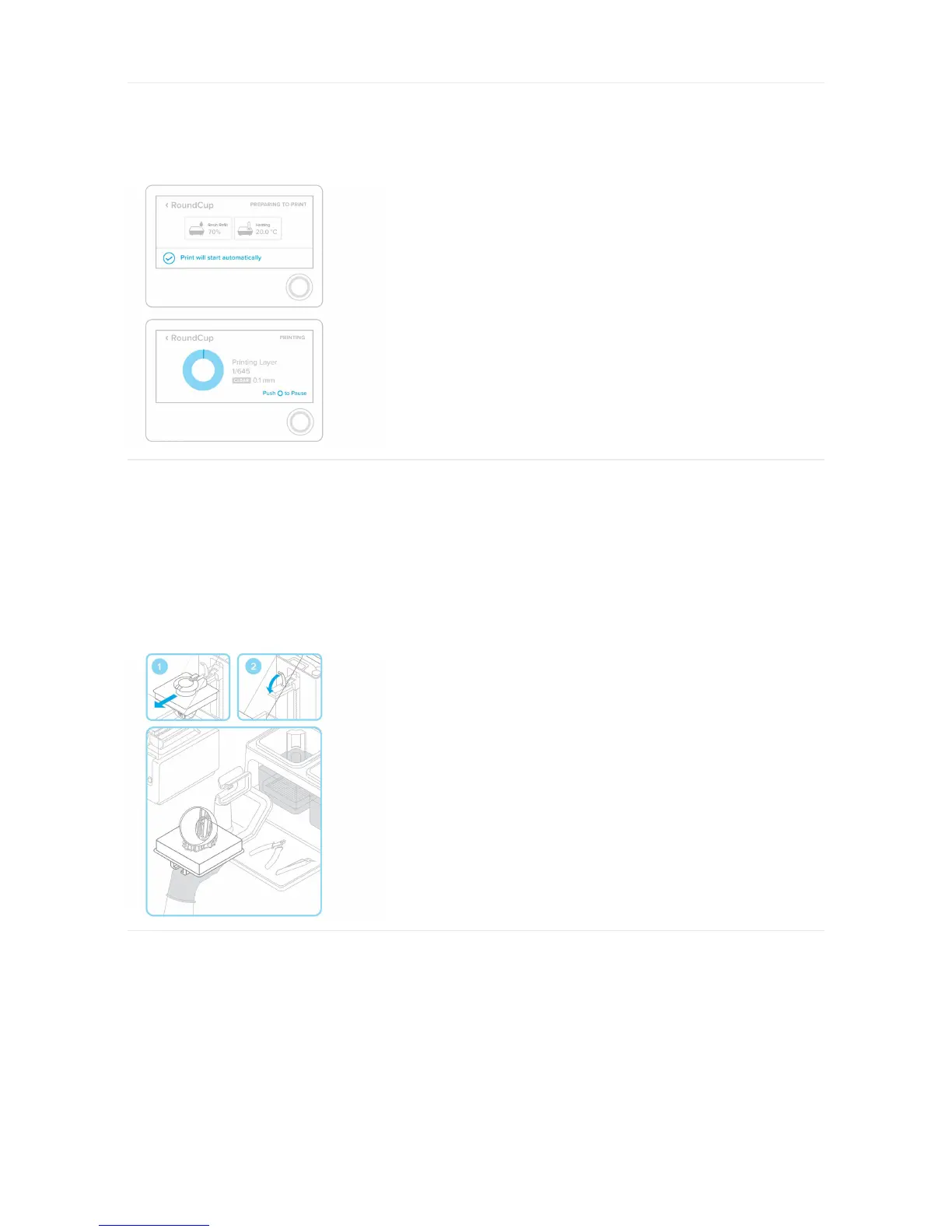
Before printing, the resin tank will fill and heat up to around 35° C. Once the tank is full, your print will automatically start.
12. Remove the Build Platform
When your print is finished, wear gloves to remove the build platform. Turn the platform over to prevent dripping while transferring to the finish kit. Make sure to close the
printer cover.
13. Remove Your Print
Attach the build platform to the jig and slide the removal tool under the base of your prints to release the part. Use the removal tabs for easy entry points.
Finish



 To Next Page