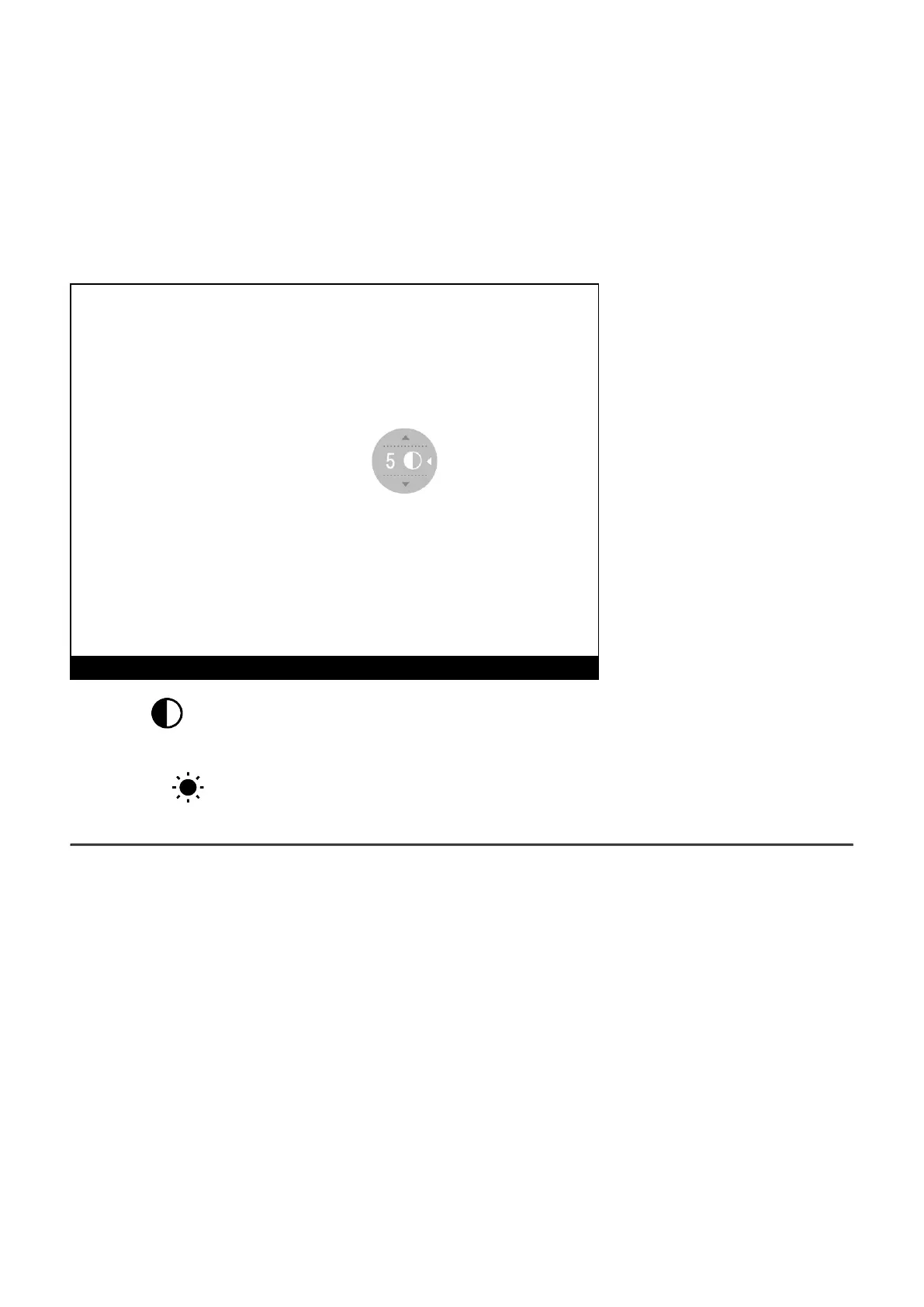
Quick Menu Functions
1.
Enter the quick menu with a short press of theM (7) button.
2.
A short press of the M (7) button enables you to switch between functions, as described
below.
Contrast – by pressing the RIGHT (6) and LEFT (8) buttons and changing the display
contrast value from 0 to 20.
Brightness – by pressing theRIGHT (6) andLEFT (8) buttons and changing the display
brightness value from 0 to 20.
To see the button operation scheme click here.


 To Next Page