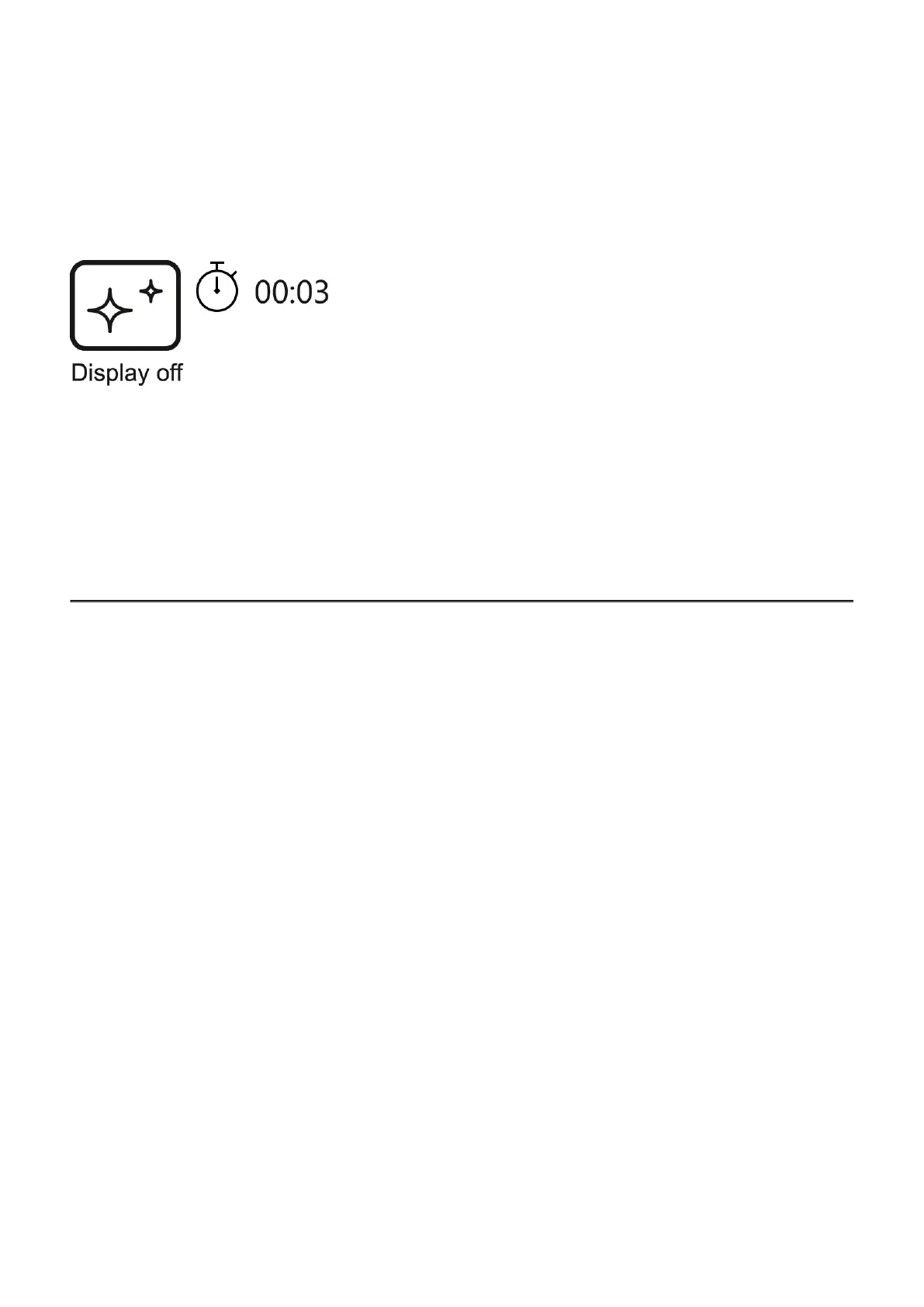
Display Off Function
When this function is in use, the device switches to standby mode, which allows it to be turned
off quickly if necessary.
1.
When the device is on, press and hold the ON/OFF(9) button for less than 3 seconds.
The display goes blank and the message Display Off.
2.
Press the ON/OFF(9) button briefly to turn on the display.
3.
When you press and hold the ON/OFF(9) button, the display shows the message
Display Off with a countdown. Holding the button down for the duration of the
countdown will power the device off completely.
To see the button operation scheme click here.



 To Next Page